


What’s Up Lab Crew,
I’ve mentioned this tip a few times in the MPC/ Force forums; however, I figure I’d drop it over here.
You can 100% get REAL analog warmth and punch right on the MPC..
But first things first,

This only works on MPC X, MPC Key 61, and Akai Force units..
These are the only units that have a built-in discrete mic preamp.
If you don’t have these devices, you won’t be able to use the built-in mic preamp technique I described above. However, you can achieve similar warmth and character by using an external hardware preamp, audio interface with analog circuitry, or analog summing box in your signal chain. There are also some quality plugin emulations and software solutions that can add analog-style saturation and punch to your tracks if you are working in the box.
Second, you’ll need to grab an 1/4” to XLR (male) cable.

Per the manual, using an XLR cable activates the onboard mic pre.
In any mic preamp, the components that drive the signal level are always analog.
So by using a 1/4” to XLR male cable , you can resample your audio out of the unit back into the mic preamps and add some low-noise character and punch.
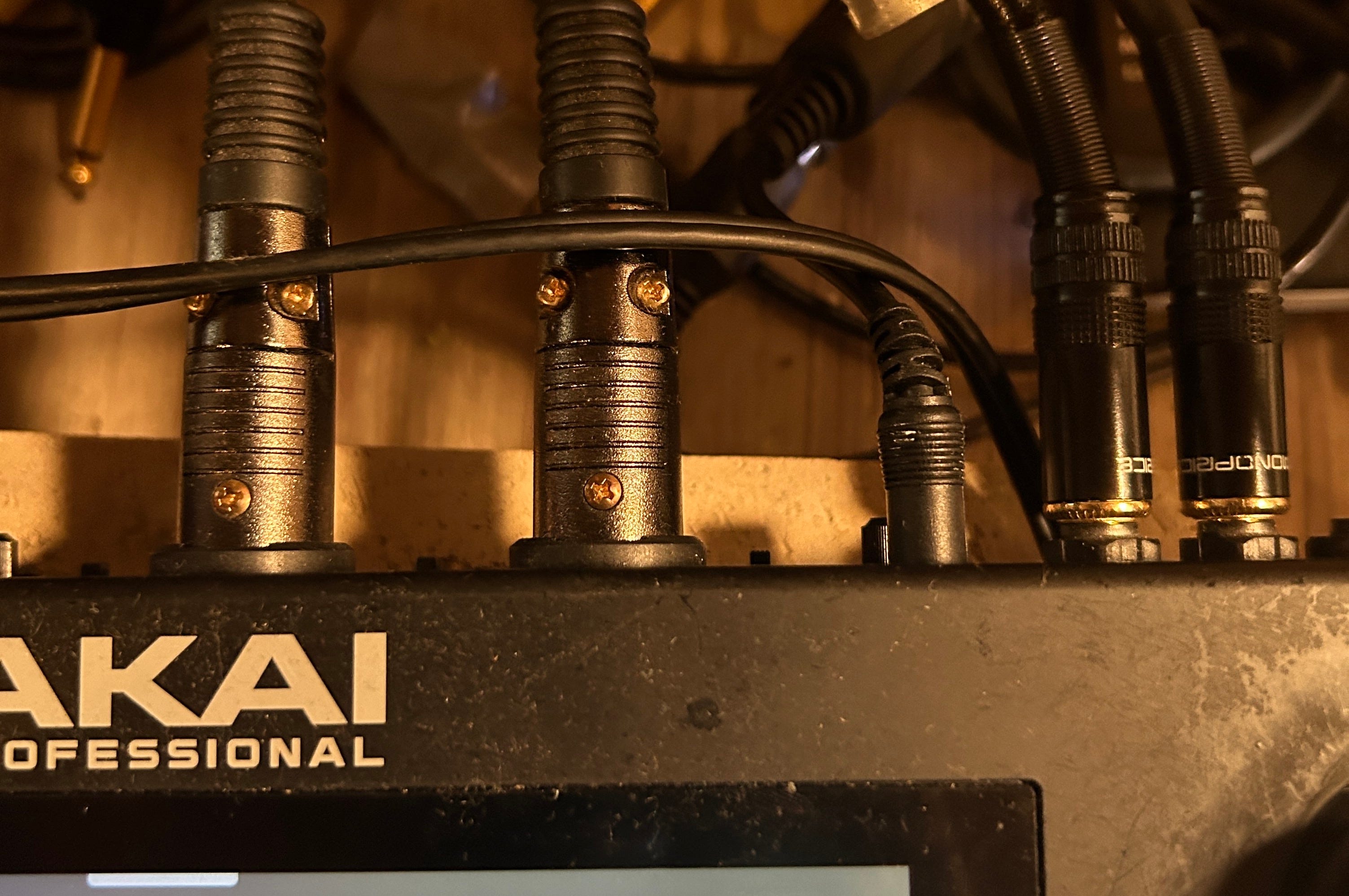
This is how I’ve got mine set up.
Here are two audio demos… There's no compression on the master, just the raw beat…
Sending out through the main outs and gain-staged to avoid clipping on the inputs.
Sample 1
Sample 2


