


What’s up Forum,
have you ever finished producing a song and wondered why it was not popping to life like your favorite songs on the radio? OR have you ever wondered what the heck your mix engineer does with your trackouts? Lucky for you I’ve discovered the trick.
But realistically,
There are a shit ton of plugin designers out there that talk about re-creating the warmth and depth and spacial orientation of analog recording equipment. While I do believe that a select few of these do their job, most of what we are looking for in a recording lies in some of the skilled mixing techniques (in addition to great sounding gear).
Without getting too technical, our ears love hearing complex sounds, especially harmonics, which often are amplified with analog recording gear. Harmonics in a nutshell make things more interesting, so one of the first things you want to do is…
Use interesting sounds
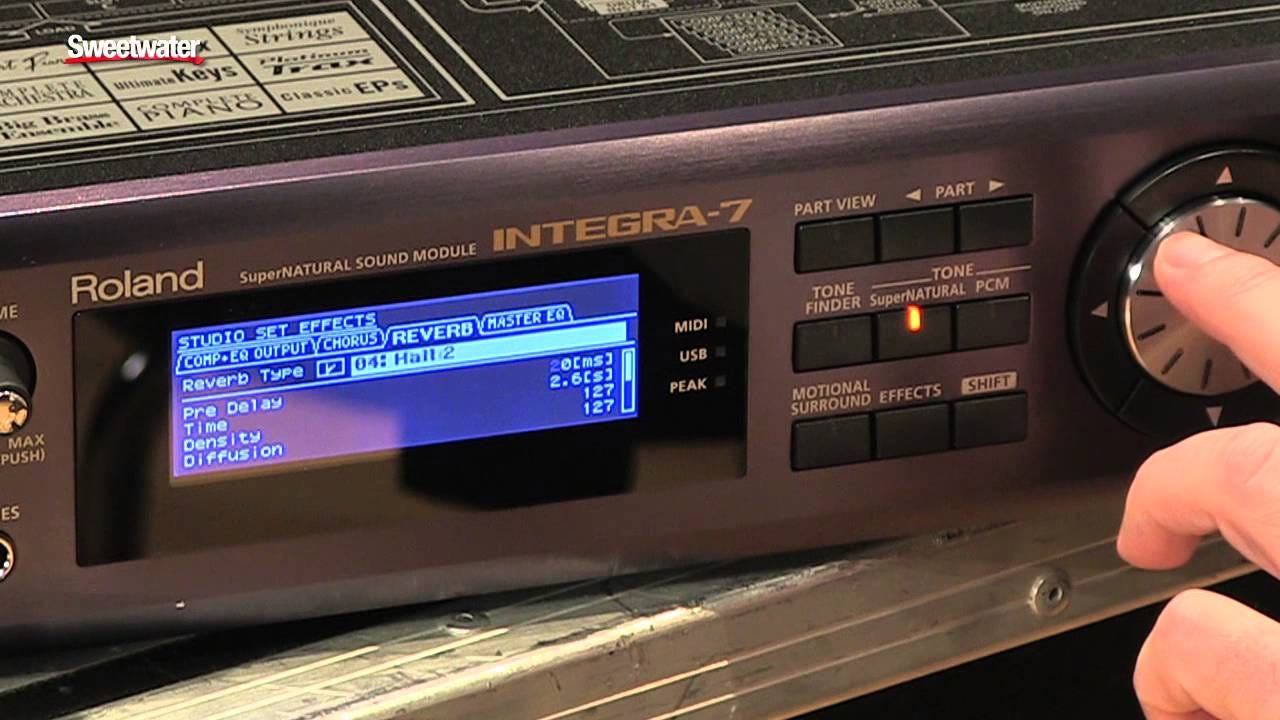
And when I say interesting you can accomplish this in a few ways. I’ll cover reverb and delay later in the article, but one of the first ways you can add depth and dimension to your music is by making your core sound bed or chord progression interesting.
One simple way of making your sound bed interesting is taking a small portion of the lead melody or vocal. This can be a few hundred ms OR a 1/4 note. Take this sound and repeat it throughout your song. you can push the sound further in the background by blending the start and endpoint with a subtle reverb.
What this does is create a ‘sound bed’ in the fundamental key of your track. This can help to separate the foreground sounds from the background and help push the musical progression forward. Just that bit of separation and movement helps create depth in your music.
Another way of approaching this would be to layer your sounds. This can range from your percussion to the sound bed, chord progression, and lead sound. A great layering tip would be to think of your layers in terms of frequency, finding separate sounds for lower, middle, and high-frequency ranges. Generally speaking, lower and mid-range tones would be a little lower in volume.
Interesting sounds help to naturally bring out the frequencies and harmonic interactions our ears love while creating unique sounds that are hard to pinpoint. I love to think of sound as a flavor and how when we taste something unique and new, our brain is analyzing so many elements that we forget to classify it as ‘bad or good’ it simply is interesting until we’ve had enough or want more.
Like flavor, some frequencies or elements need to be muted a bit to have cohesiveness. So one major thing is to use…
Smart “Doppler” Leveling
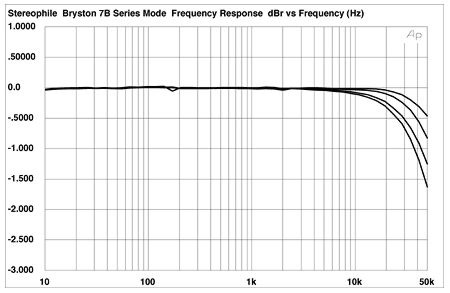
Not just balancing the faders, but thinking of the frequency or the ‘notes’ that need to be either forward or backward in the mix.
Have you ever heard an ambulance drive by and the tone change as it approaches then drive away? This is because of the different frequencies and the wavelengths of the frequencies that make up the siren. High frequency waves have short lengths and low frequency waves have long waves.
Most simply, when we hear the ambulance coming towards us, we are getting more of the high-frequency information because the high-frequency waves are shorter and perceived as louder (plus the ambulance is getting closer). As the siren moves away, the tone goes deeper as the lower-frequency waves still reach us while the high-frequency waves aren’t still reaching our ears.
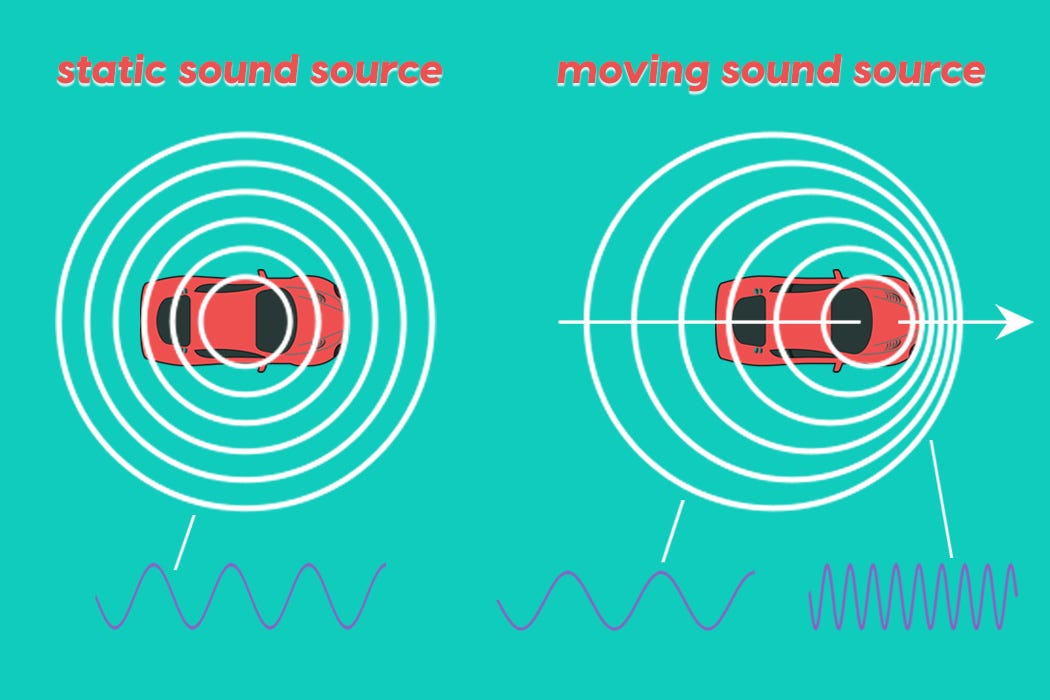
Treat your audio the same way, if you want something up front bring its level up OR raise some high-frequency information. Something further away will be lower in volume BUT you’ll want to shave a bit of high-frequency information off to make the sound more natural.
instead of just a steep cut, try using bells and shelves to lower and/or raise frequencies.
When you’re mixing you always want to consider the space that the mix is happening in. Not just your mixing environment, but where IS this mix? Does the song take place in a bedroom, a club, arena? You decide, this will set the tone of the mix and help bring everything together.
I love to have my track leveled and panned so everything. where it needs to be in the ‘world’ before we get to the room. Then I’ll send all instruments 100% to the reverb room. This gives me a great idea of how to ‘set’ the reverb. The best advice I can give about that is that setting the reverb is simply…
making your reverb a real space
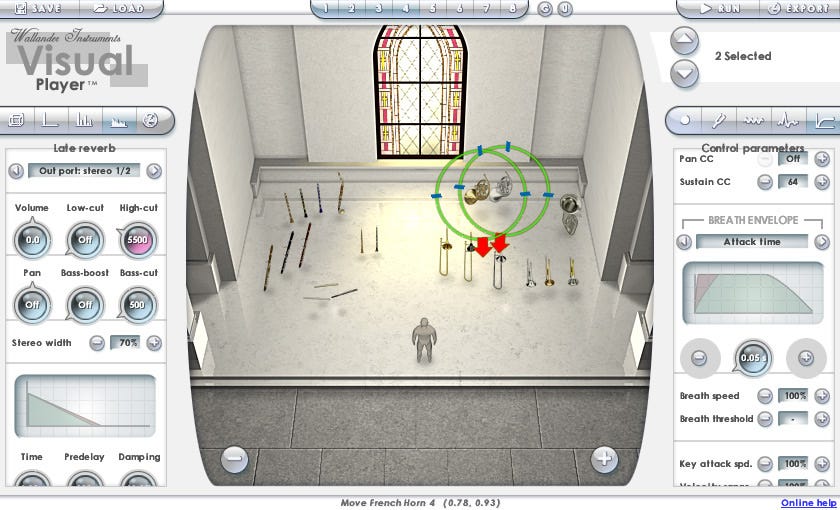
This means creating a realistic space based on the principles of how audio moves around real spaces. This is kindof where things get a little tricky.
We want to recreate this ‘fake’ room with several reverbs and use our knowledge of how sound travels in space. We’ll set up One reverb for the front of the room, one for the middle, one for the back of the room, and one for the overall room tone.
Each reverb is essentially the same ‘room’ with slightly different decay, early reflections, and room size.
If you were a dolphin, your life would depend on the ability to locate food/predators in space based on reflections. Think like a dolphin and think about your room and where each instrument is placed in that room. If this was a real room, your brain could tell where things were placed by hearing early reflections similar to the dolphin with echolocation. The early reflections tell us where the reflective parts of the room are. The time between the initial sound and the sound hitting those reflective parts of the room is called the pre-delay.
Things that are up closer or in the Front of the room have a longer pre-delay time as it takes more time to reach the first reflective parts of the room. Subsequently, since there are fewer parts of the room for the sound to bounce off of the ‘size’ of the room will be smaller. . Things closer to the back have a shorter pre-delay time as they essentially are the first bunch of ‘things’ that the sound will bounce off of. Your room size further back will be based on how ‘big’ you want to define your space.
(of course, you can use moderate settings in the mid-range)
This video from mastering.com covers the concept well and is partly the inspiration for this post.
But essentially you can get a bit creative with your approach to your room. One key consideration is keeping the reverb tail at musical intervals. This calculator will help you convert your BPM into milliseconds for your specific reverb. Longer tails always work for the back of the room and 1/4 note seems to be a sweet spot for the front and middle.
Even with your reverbs you can apply your knowledge of smart leveling. If something is further away, you can roll off more of your top end and add more early reflections. Something closer has a little less bass more pre-delay and fewer early reflections.
I have a great time matching my reverbs with my delays. this way the sound of the ‘room’ is consistent. So say something is closer, using shorter delay times that match the room and/or the tempo to create a sense of width up front. This plus that small reverb or even sample delay can ‘pull’ or ‘pop’ elements out in the stereo field. Even using a HAAS-type delay can bring elements forward and make them fill up the stereo field.
And speaking of HAAS…
Use HAAS Panning

Panning is one of the simplest ways to increase the stereo field, however, by itself, it adds no dimension, just left and right balance. Using a HAAS-type effect on your panned signal can add some depth by imitating the Interaural Time Differences (IDT) that we experience when we hear something in the real world that is to our left or right.
Simply enough, we rarely ever hear sound in one ear. In the real world, when we hear a directional sound, we hear a small amount of sound in the opposing ear. Because we all have big heads, the sound we hear in the opposing ear is a little later in time and lower in amplitude (ILD). So when panning in your DAW (or MPC) try mimicking these very phenomena.
For the MPC/ Akai Force system, all you need to do is grab a diffuser delay or the AIR Delay. Turn off the delay sync and set your delay time to about 6ms. Also turn the feedback down, diffusion up, and set the high damping somewhere in the middle. Pan your delay to the opposite side of your original panned signal and boom. You can adjust your high damp and mix to your liking but this should immediately sound more real.
This can sound good and in combination with your reverbs you can essentially ‘place’ things inside of your mix with some pretty good three-dimensional accuracy. The downside to processing like this is that there may be a bit of phase issues if the mix is summed to mono. In that case, try this.
Create an aux track for your desired panned signal. Add a sample delay onto the track, link the left and right signal, and create a delay of about 6ms. Pan the aux track to the opposite of your panned signal. Add a pitch shifter or chorus right after the Haas effect and detune by about 3-4 cents. This way the secondary signal has a slightly different frequency and won’t cause phase issues when summed to mono.
Honestly, I’d use this on background instruments or things that shouldn’t be in the foreground, otherwise, you may find a lot of life sucked out of your mix.
And especially for things that are in the background…
Manage Your Transients

I understand that everyone wants a punchy, in-your-face mix however, your mix may have the opposite effect and be ‘flat’ if there is no dynamic range. Things that are further away from us have less of a ‘smack’ than things close up.
Imagine someone clapping their hands right in front of you. You’re going to hear that loud clap really clearly (and maybe a bit of reverb tail depending on how large the space is). Now that same person is 100 yards away in an arena clapping their hands. you’re going to hear more of the reverberation of their clap and less of the transient.
So treat your audio like this. While compression is great at enhancing transients, it also can do the opposite and tame transients of very dynamic elements.
Either a compressor or transient shaper can tame the attack of a sound and push it further back into the mix or enhance it and bring it forward.
Again, if you combine this element with your smart (EQ) leveling, reverb, and delay, you’ll get a more realistic placement of your instruments in your mix.
Think of it like this.
Fast attack/Slow release = further away
Slow attack/Fast Release = closer
Instead of reaching for a plugin from some ‘reputable’ developer, or the one that looks the coolest or even has your favorite engineer’s name on it. First, instead, learn some of how audio is manipulated.
I’m of a strong belief that most plugins are simply handling audio in the few ways that audio can be manipulated.
Most DAWs give you everything you’ll need to mix and release quality music, so learning these tools will make everything you do with the fancy stuff even better because you know what you’re doing and why.