


What’s up, lab crew?
You can always trust a review coming from The Practical Audio Lab as we are completely independent. This is my honest review of the plugin done in real-time after a day or two of working with the effect. Overal,l there are some things we love and some things that need to be addressed, especially for the next generation of MPC. Hope you enjoy.
MSX2II Sound Design’s Fly Tape II: A Professional Review
All right, so MSXII Sound Design just dropped Fly Tape II.
I’ll be honest—I never used Fly Tape 1, so I’m coming at this fresh. If you have experience with the first version, drop a comment below because I’d love to hear your perspective.
For now, I’m going to walk you through the features, share what I like, what frustrates me, and what I think MSXII (and Akai in general) could improve.
Features Overview
Noise and Speed
Right out of the gate, Fly Tape II gives you a solid noise slider. Push it up or down to dial in that tape grit we all crave.
The first tab also lets you adjust tape speed, from a quarter speed (think slow-motion effect) up to nine-tenths. That nine-tenths speed shift is unusual—I haven’t seen it elsewhere, except maybe in a Gross Beat-type plugin.
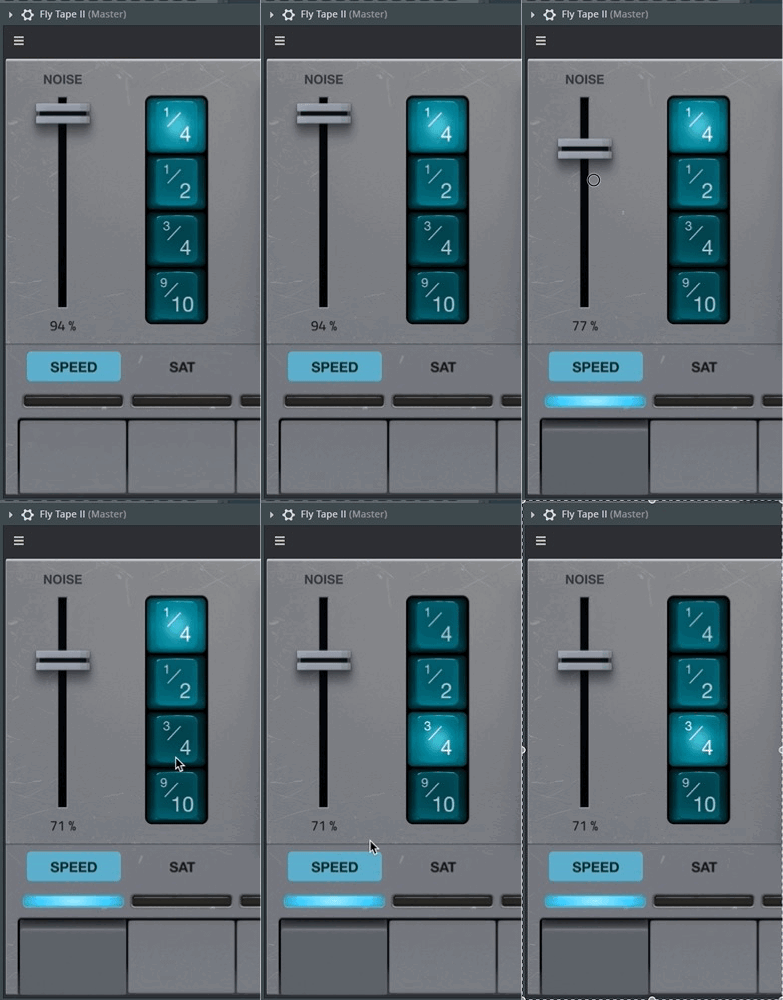
Is it musical? Not always. But for intros, breakdowns, or B-sections, it could definitely add flavor.
The Saturation Tab and the Crucial Gain Staging Issue
Next is saturation, and this is where I ran into my first issue.
If you just crank the saturation without thinking about gain staging, it’s pure distortion. And here’s the thing: Akai and AIR-based plugins all have an ideal input stage around −18 dB.

I know, it feels counterintuitive to pull volume down before hitting a sound design tool. But remember: these plugins are modeled after analog gear, where −18 dB digital equals 0 dB analog.
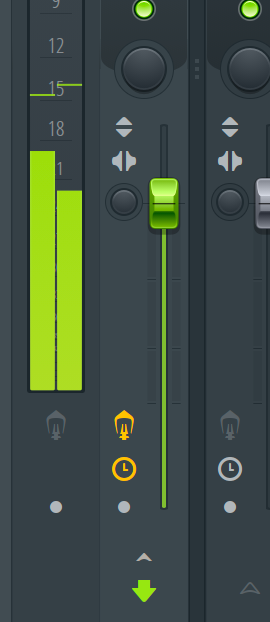
Most people skip this step and just dive in. But if you want true analog-like tone, gain stage first. Once you do, the saturation comes alive.

Fly Tape II gives you three saturation modes:

Boost – punchy, adds weight
Amp – dirtier, more like tape distortion
Drive – warm and gritty
Boost and Drive are my personal favorites. Amp works too, but only if you stage it carefully. Combine any of them with some noise, and you’re in tape heaven.
Mute and Reverse

The Mute tab is straightforward—it just silences the tape. But here’s the catch: if the Hold function is engaged, mute will kill the signal the entire time. Honestly, you could achieve the same thing with a track or pad mute, so I’d usually disable Hold before using it.Thanks for reading The Practical Audio Lab! This post is public so feel free to share it.
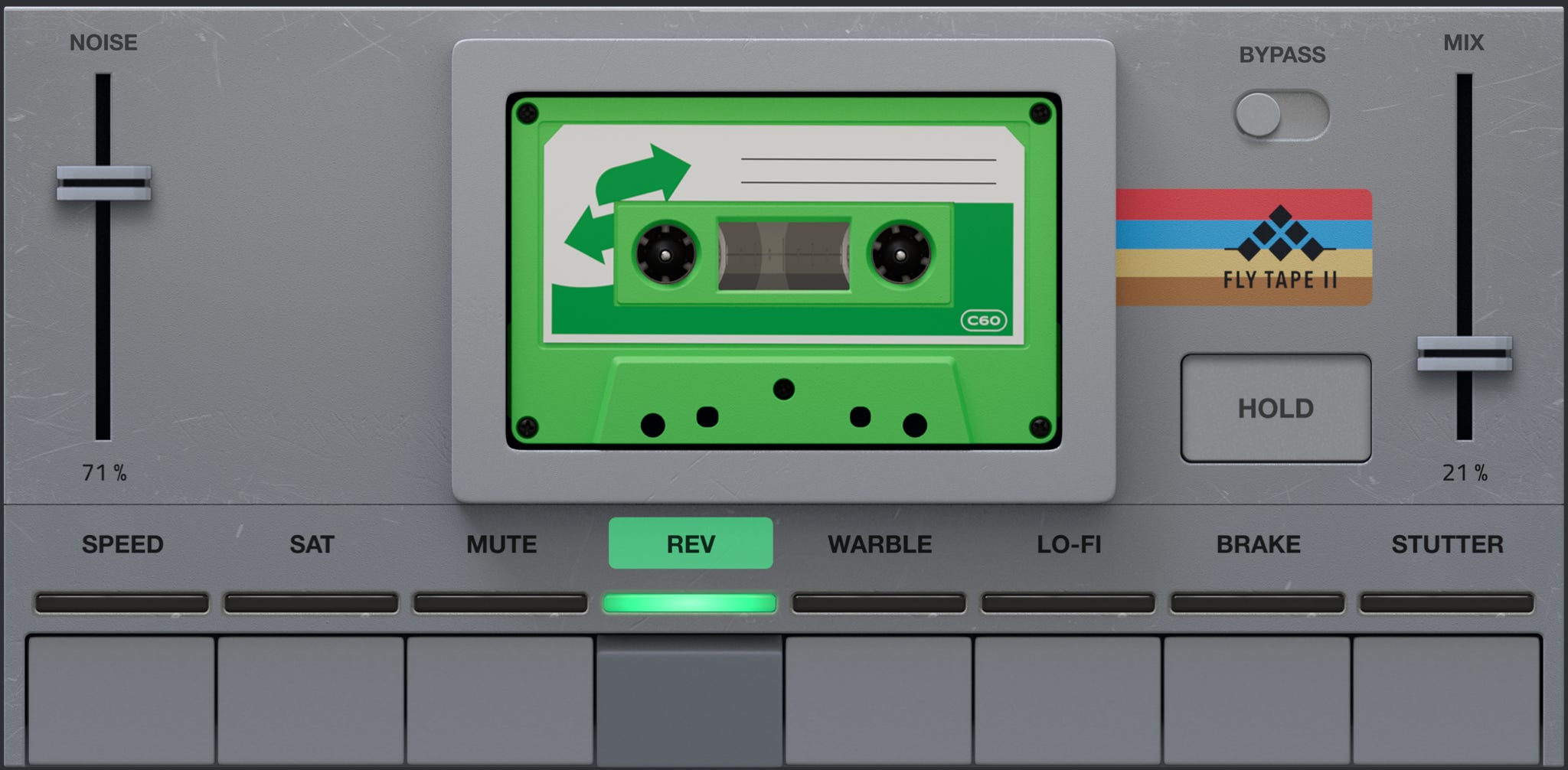
The Reverse tab flips your audio, seemingly at quarter-note intervals. It works, but I wish there were more interval options for variety.
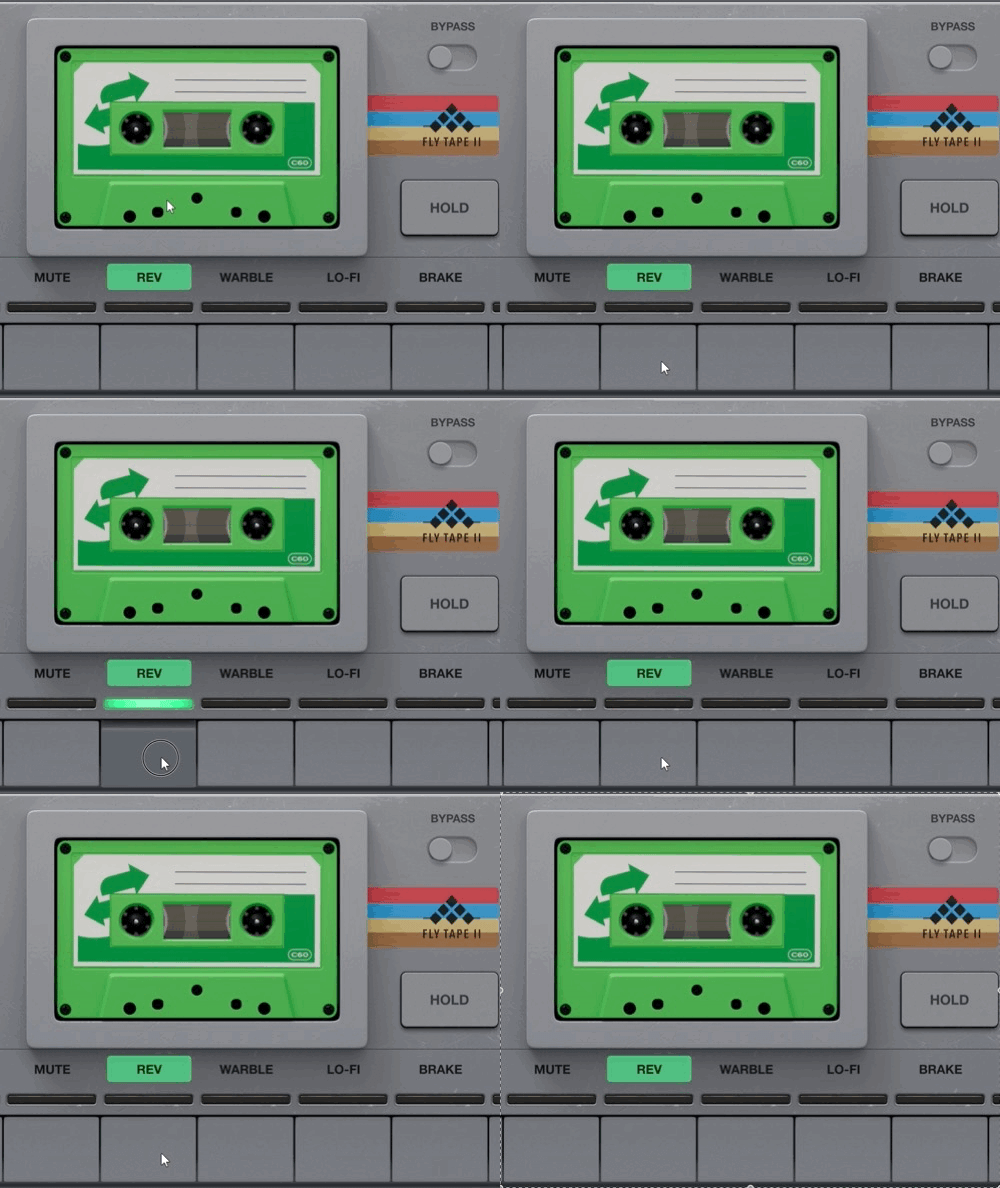
One thing I do appreciate: the visual tape animation shifts as you move between features. It makes the plugin feel tactile, not just functional.
Warble, Mix, and Lo-Fi Effects
Now let’s talk warble.
Preset 1? Total chaos—like the worst tape deck you’ve ever heard.
Preset 2? Usable, and the closest to a classic tape emulation.
The rest? More experimental—fun for sound design, less so for clean, musical use.
If you want more control over warble, Flavor Pro does a better job of letting you dial in subtle, musical wobble. Fly Tape II leans more toward randomization.
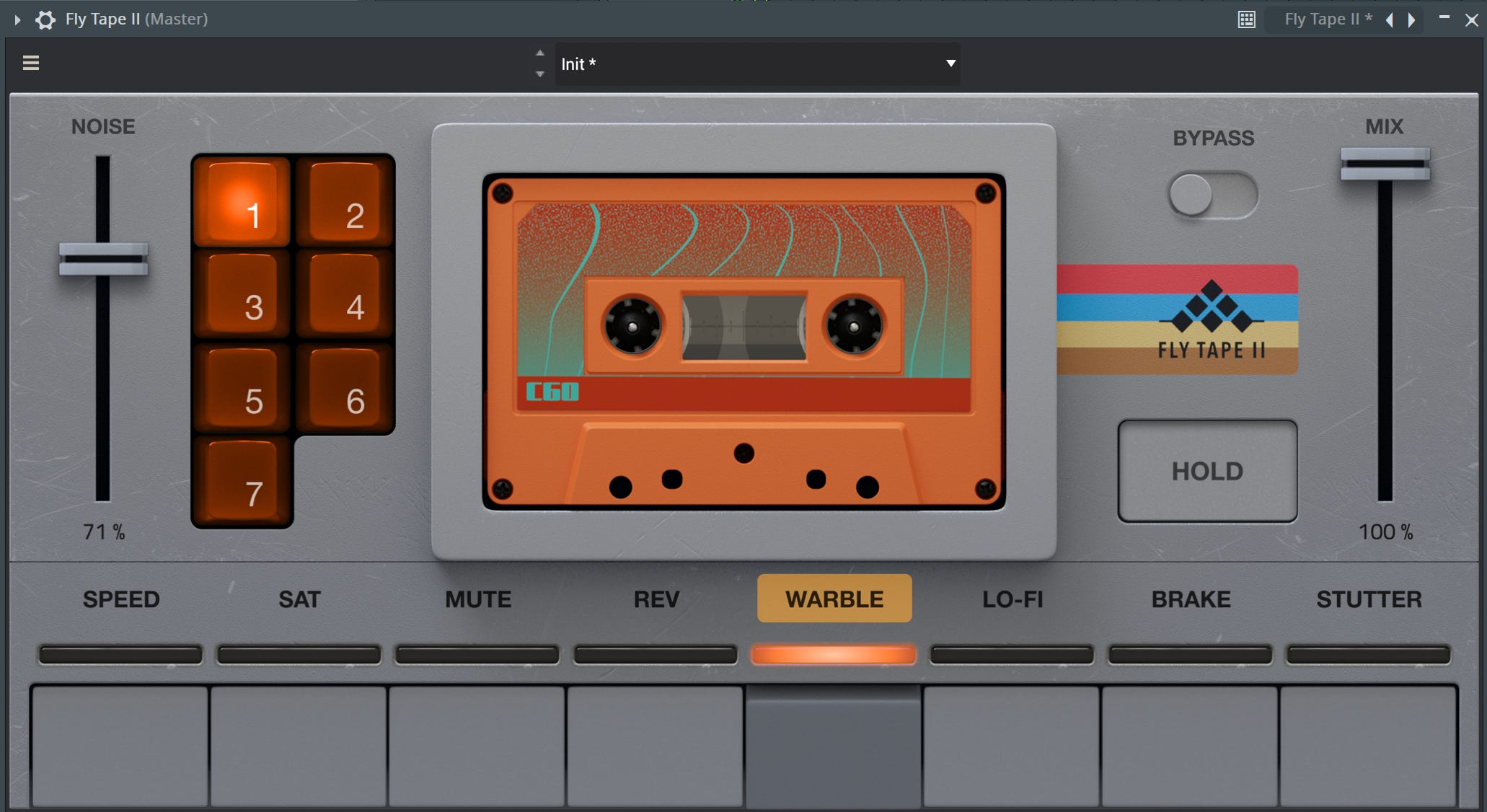
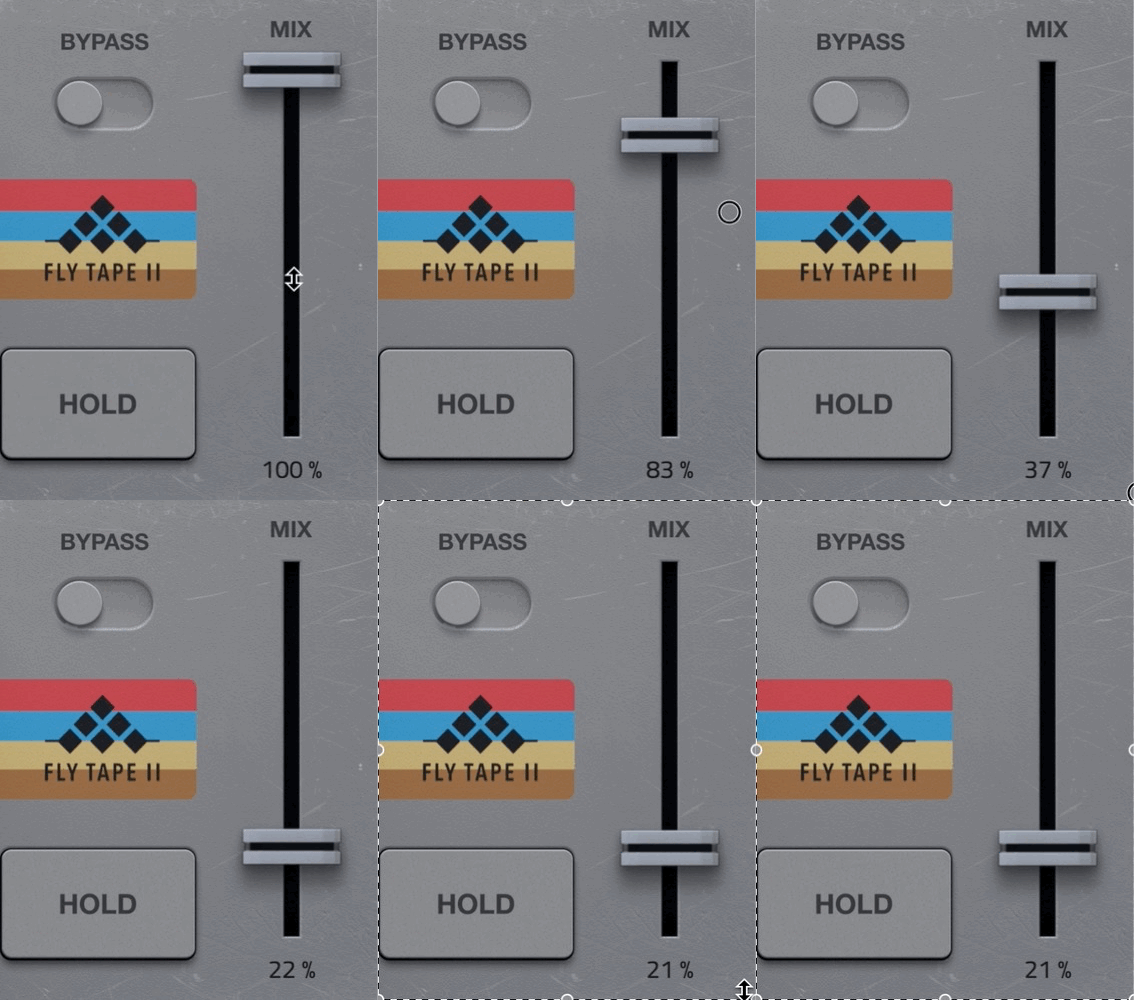
There’s also a Mix knob, but here’s where I had issues. At around 50% wet/dry, you get unpleasant phasing. Feels like the plugin has a slight delay that messes with the signal. At low settings, it might be useful for VHS-style degradation, but otherwise I’d avoid it.
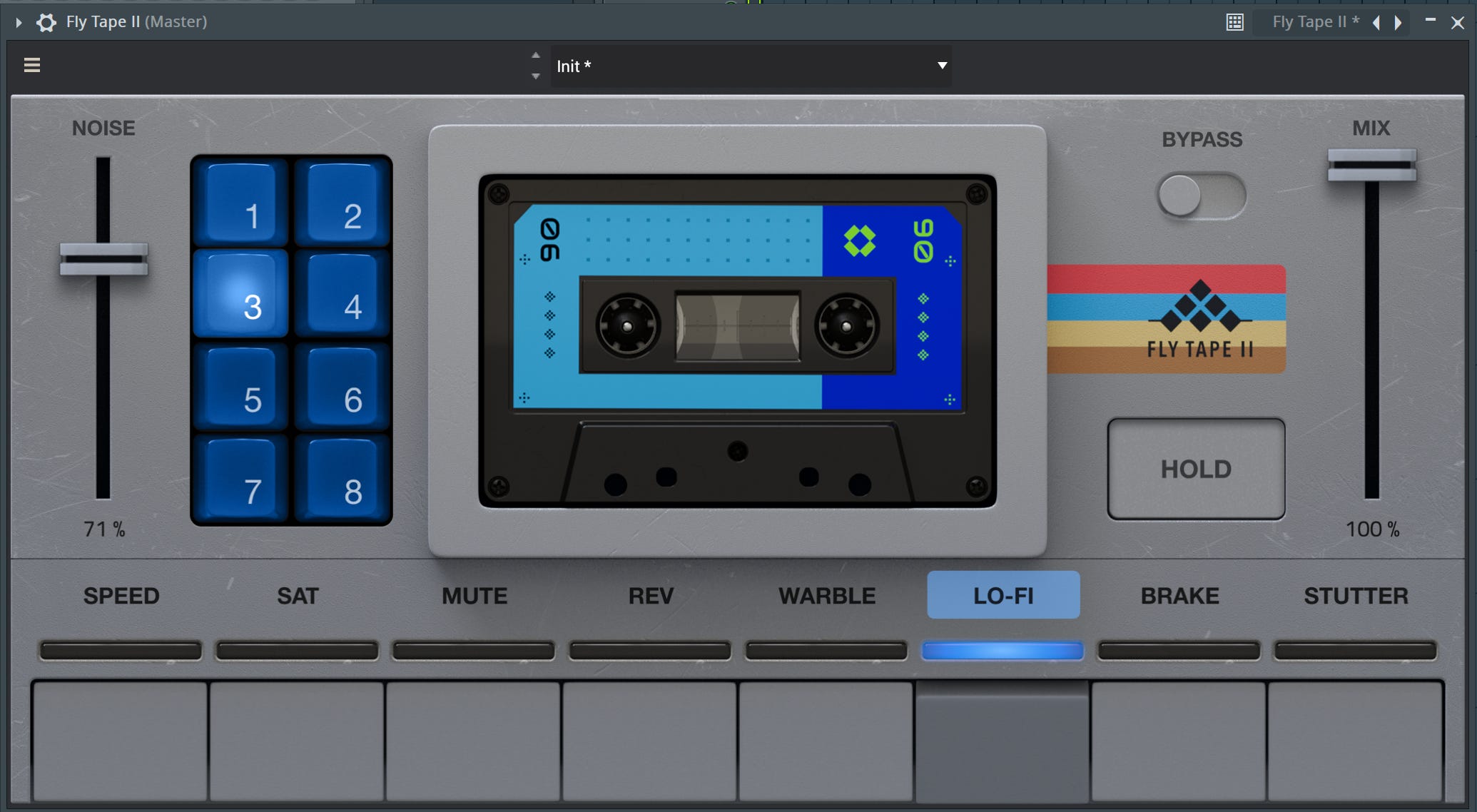
The Lo-Fi tab is a nice bonus. Presets 3–6 sound solid and musical, while 7 and 8 push into heavier distortion territory.
Brake and Stutter Effects
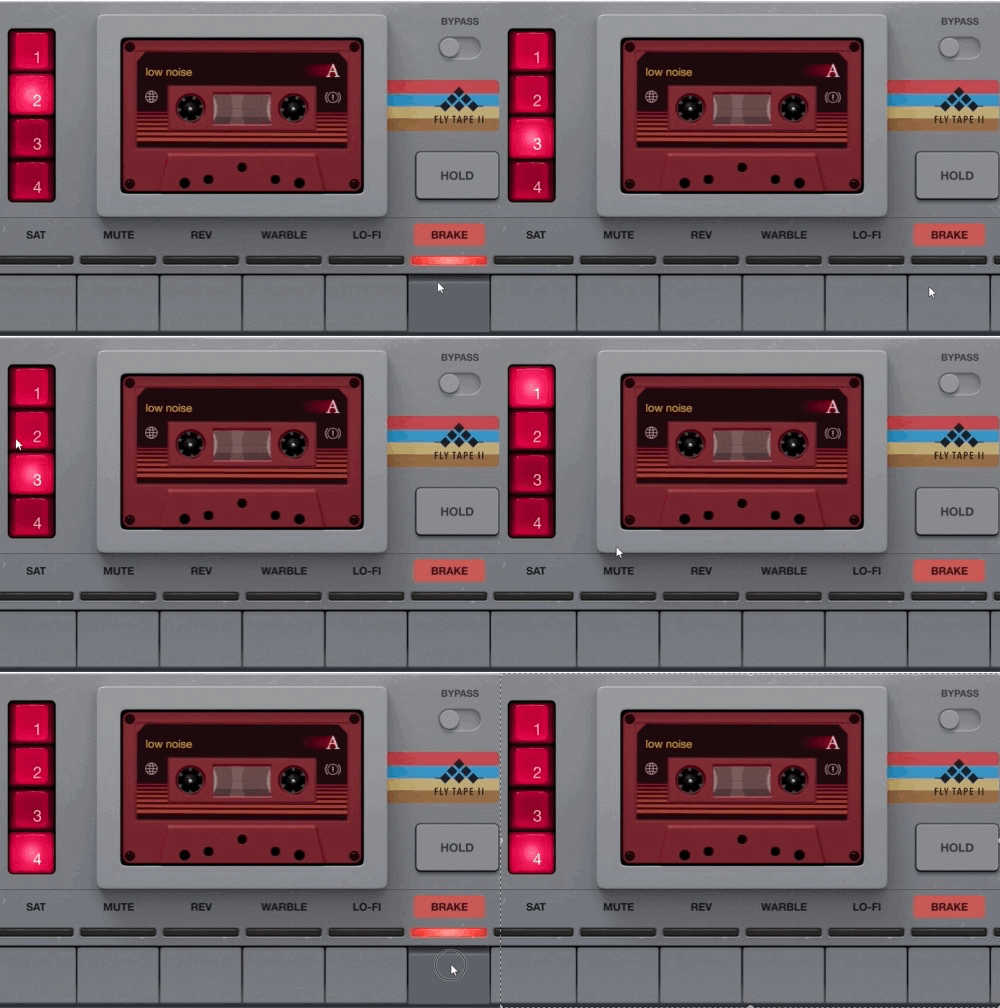
The Brake tab is your tape stop—classic and effective. Again, it’s tied to the Hold function, so disable Hold if you want authentic stop effects. This is probably the most useful feature of the plugin.
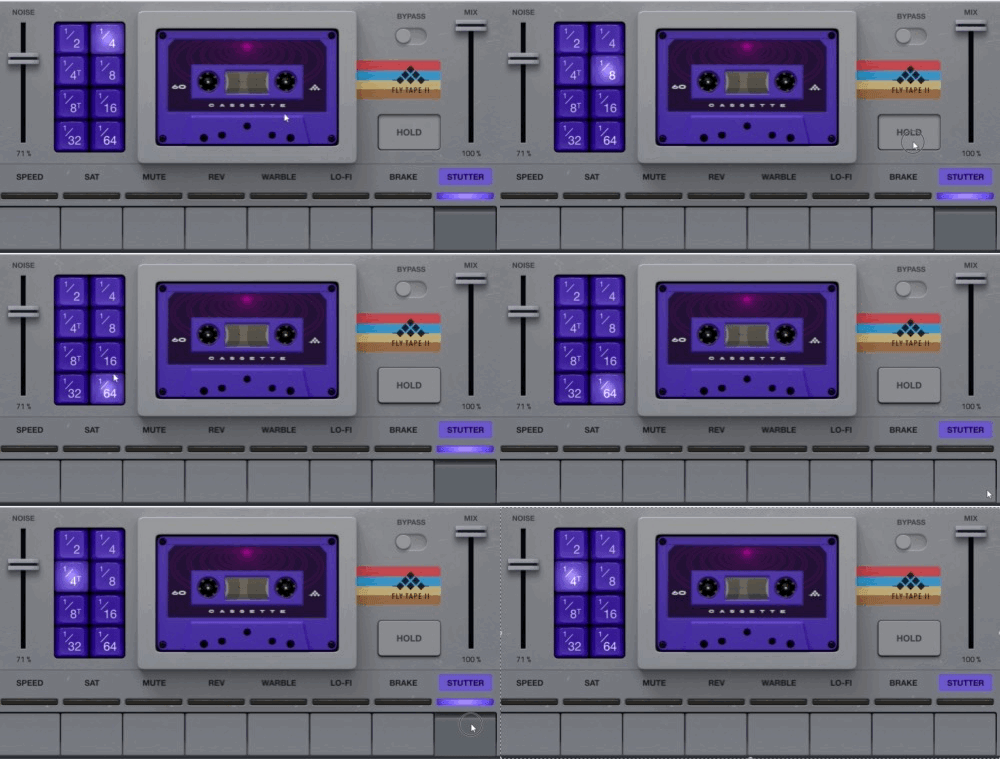
Then there’s Stutter. Normally I’m not big on stutter-only plugins, but here it works well as part of a larger suite. Combine it with Brake or Reverse, and you can get some really creative results.
User Interface and Aliasing Concerns
Overall, the interface is clean and intuitive. The spinning tape animation is a nice touch, though I wish MSXII had gone further—imagine being able to interact with the tape itself (touch for warble, drag for tape stop, etc.). That would take it to another level.
Now, the not-so-good part: aliasing.
Now, Crates Motel did a good review on this,, and I’ve seen it too. Fly Tape II (like many Akai plugins) introduces aliasing in the low end. Pull up a spectrum analyzer, crank an EQ inside the plugin, and you’ll see it plain as day.
The root issue? No oversampling, no anti-aliasing filters. At 44.1 kHz, even with 32-bit depth, you just don’t have the headroom to avoid these problems. For pristine mixes, this can become a real issue, especially across multiple tracks.
It’s long overdue for Akai to patch these plugins with proper anti-aliasing filters.
I did a pretty in depth review of how to use the plugins to avoid this here

Final Thoughts
So, is Fly Tape II worth it?
Yes—but with caveats.
It’s not the plugin I’d slap on a master bus. But for sound design, texture, and lo-fi accents, it’s fun and inspiring. Pair it with reverb, automate some of the tape-style effects, and you’ll create moments that stand out.
If you want precise tape emulation, Flavor Pro still wins. But if you want quick access to creative lo-fi tricks—brake, stutter, reverse, heavy warble—Fly Tape II delivers.
I actually bought this plugin, so this review is my authentic opinion. If you’re considering it, I’d say:
If you’re deep into sound design → grab it.
If you just want one tape emulation for mix bus use → maybe look elsewhere first.
If you want a quick lo-fi tool with character → this is a solid choice.
Either way, it’s another fun option in the expanding lo-fi/tape plugin world.
So what do you think? Have you tried Fly Tape II yet?