


MPC 3 Desktop Is FINALLY out of BETA!
So Akai just released the 3.10 update for MPC 3 Software which officially brings new arrange features, VST3 and AU loading inside of your DAW, A brand new 16 Levels scale mode for Akai Force users and 8x8 mode for MPC Live III and MPC XL.
What’s New For MPC 3.10 Hardware Users?
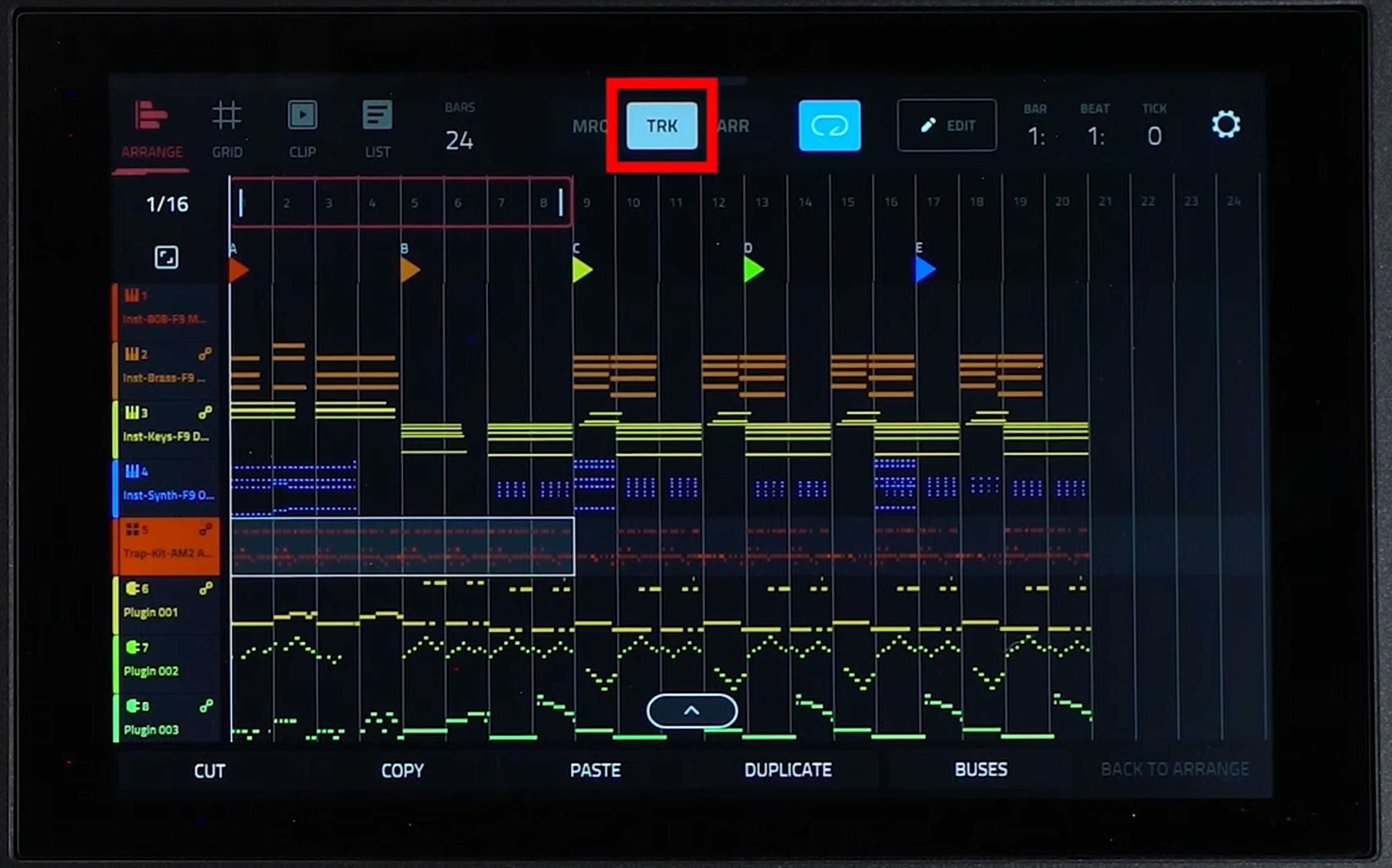
Enhanced Arrange Mode: marquee, track, and arrangement selection modes
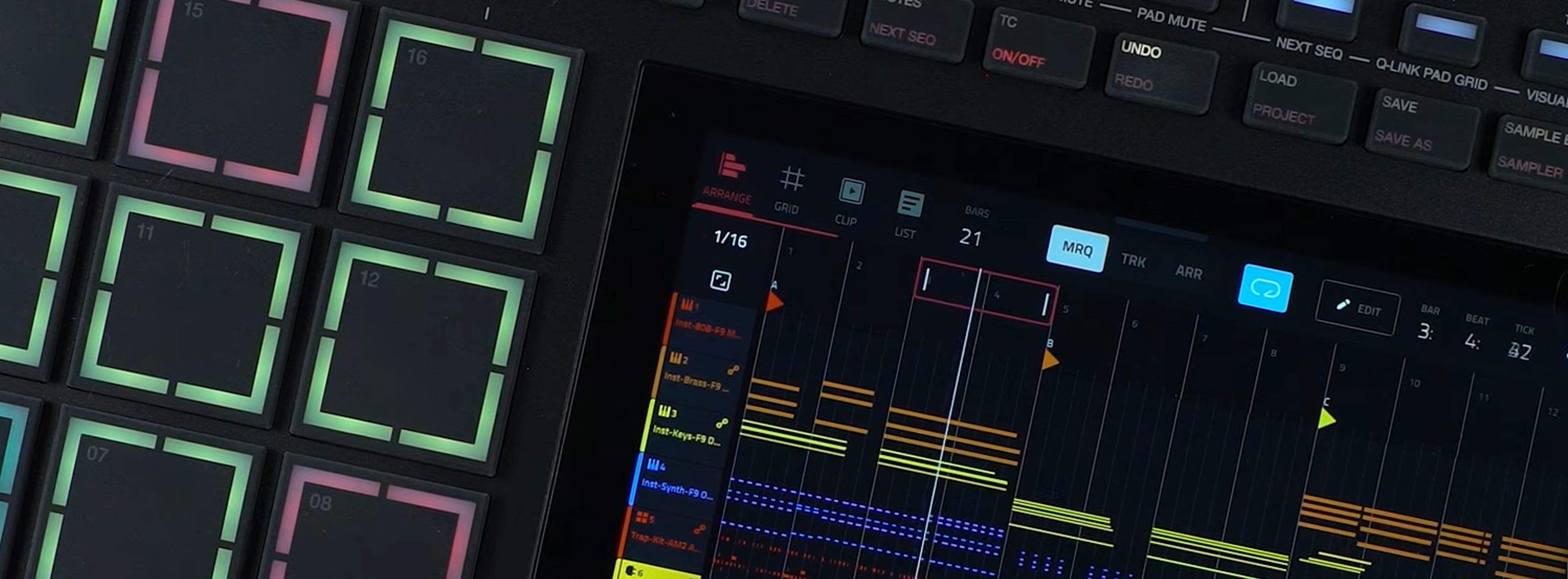
The new edit tools allow to navigate the arrange a bit easier. Although designed to be intuitive it drags a bit in that area. WHile it might feel like this is step in the right direction its more of a quick fix for a complex problem.
Im sure Akai has their reasoning for not showing regions in the arrange mode, that drag and drop functionality will be necessary if the clip matrix is to be developed.
Upgraded 8x8 Mode

For MPC Live III and MPC XL (MPCe pads): 8x8 mode can be combinned with Clip Launch mode essentially making 64 pads for clip triggering
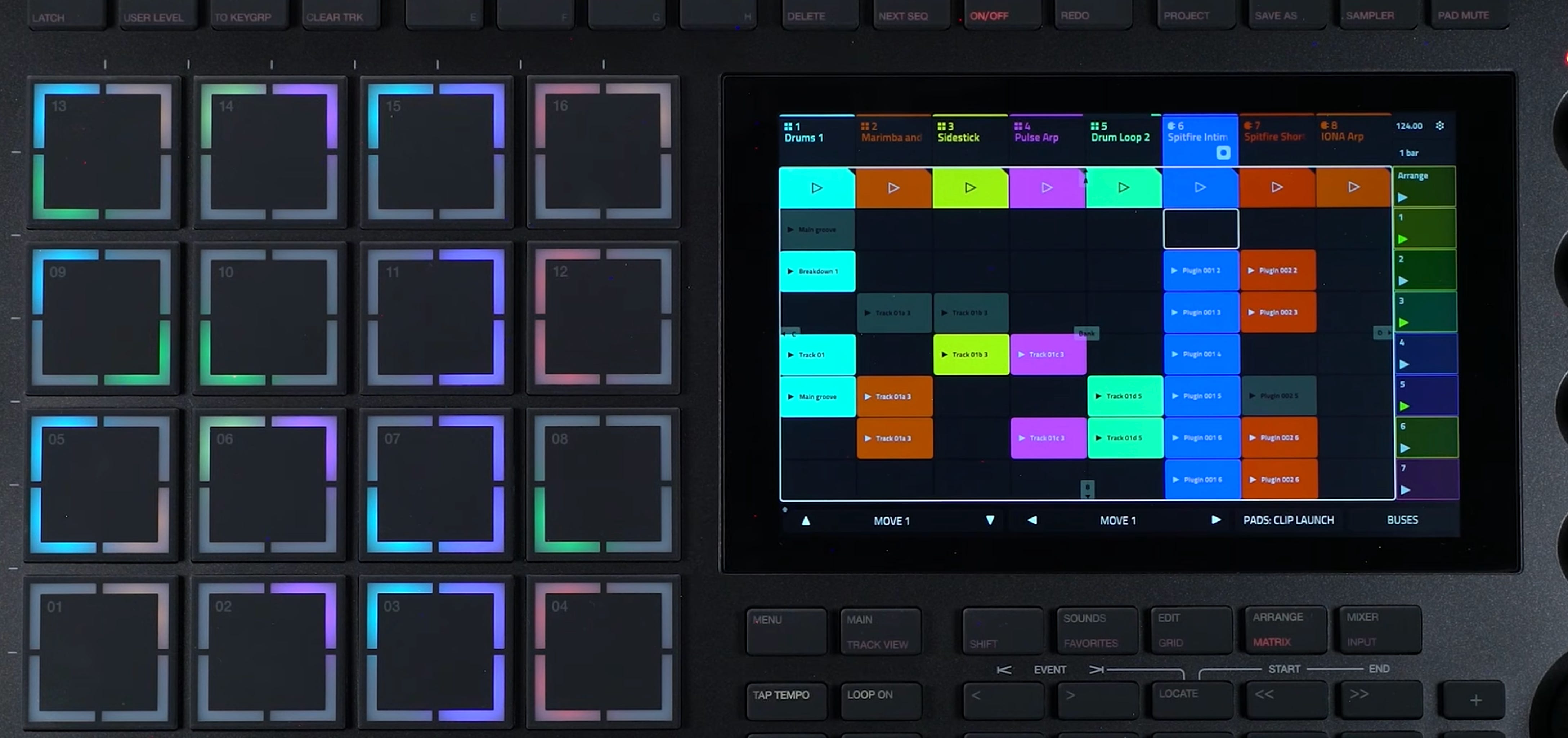
Not only is 8x8 mode available on the standalone update, but also in controller mode and also for plugin instruments.
Force users now get 16-level scales support, Arp Latch feedback, improved Pad Mode shortcuts
Existing MPC 2 Hardware users can upgrade for Free
MPK MINI MK IV and MPK Mini Plus II support.
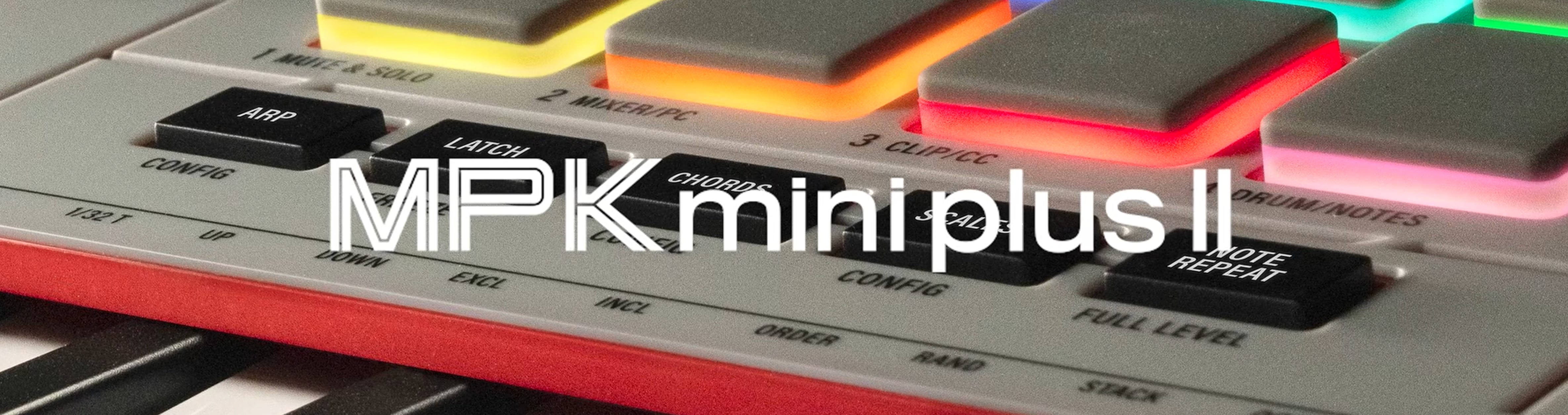
This has to be the most exciting to dig into and I’ll be dropping another dive into that one here.
Its long been known that there was little continuity between akai products. This is the first time that Akai has released something that works intuitiviely with the software.
Shout out to the product and dev teams at Akai and Inmusic. This is one of the best moves in completing the ecosystem.
Added MPK Features : Workflow enhancements like displays of current instruments selected. Ability to edit loops and browse plugins, CV port visibility, MPC Expansion detection and Arrange Navigation
*users also get MPC3 workflow with MPC Beats
MPC 3 Beats — the free tier
Free tier of the MPC 3 desktop software; runs in the same app and installer as full MPC 3; feature set determined at activation
Download via the inMusic Software Center (Free Software tab); no separate license required
Compatibility and fixes
Must update standalone hardware to 3.10 for full featureset and to be seen by MPC 3.10 software.
Supported hardware: MPC Live, MPC Live II, MPC X, MPC X Special Edition, MPC One, MPC One+, MPC One G2, MPC Live III, MPC XL, MPC Key 37, MPC Key 37 G2, MPC Key 61, MPC Studio MK2
System requirements: Windows 10 (21H2) to Windows 11; macOS 15–27 (Intel and Apple silicon); 4GB RAM (8GB recommended)
Improved plugin compatibility, including VST3, AU, and Kontakt
Fixes across MIDI routing/sync/controller issues, playback and recording stability, project save/load, Arrange Mode, Track Edit, Step Sequencer, Force, and MPC Studio MKII
Legacy MPC 2 can be installed side by side to MPC 3