


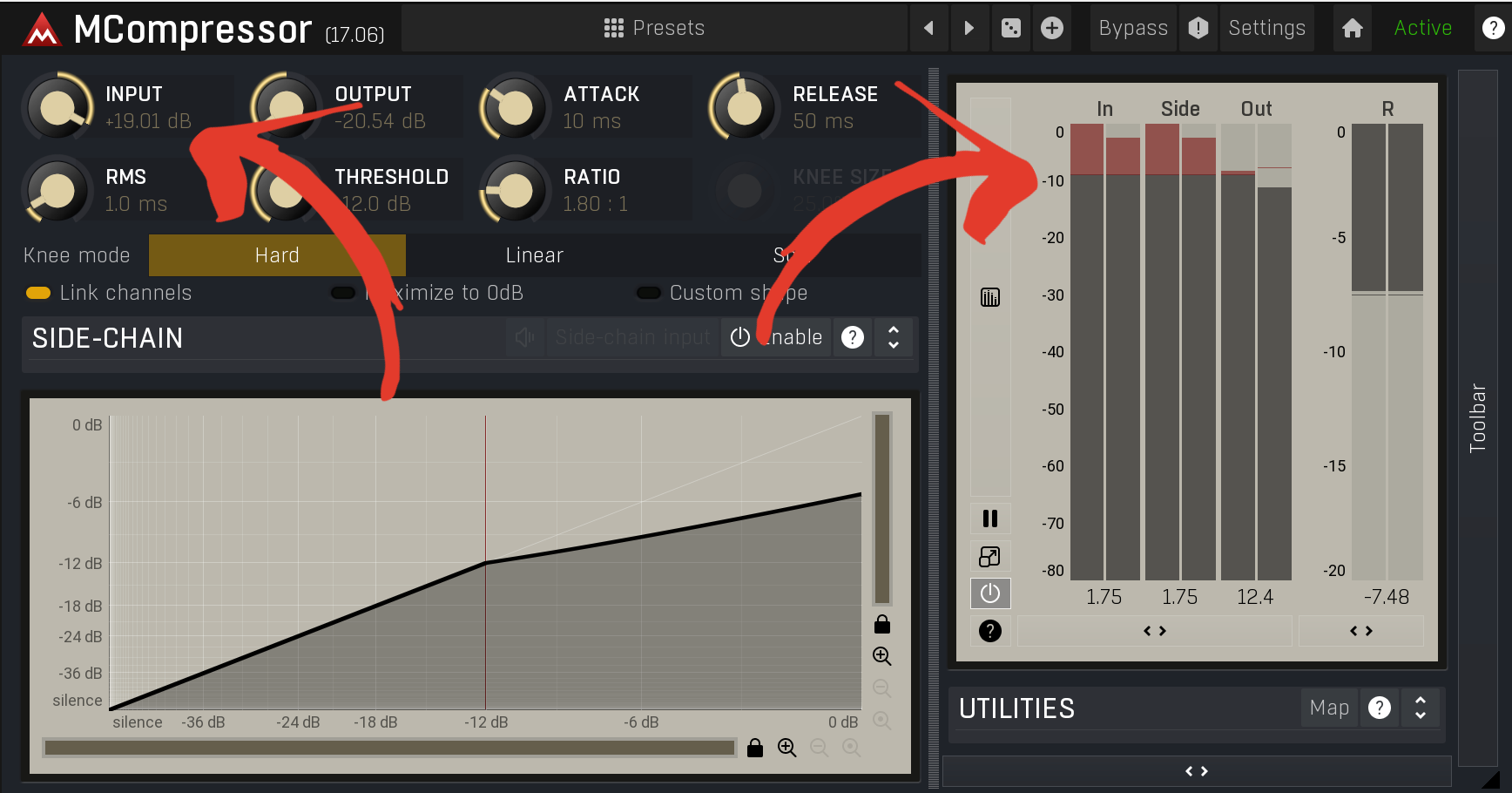
The Myth of “Unlimited Headroom”
You’ve probably heard it before:
“You don’t have to worry about clipping — it’s 32-bit float.”
That’s half true and half the reason so many of your mixes sound harsh, crunchy, smeared or simply not where you want them.
Yes, 32-bit float gives your DAW massive mathematical headroom theoretically hundreds of dB above 0 dBFS. But that protection only applies between channels, not inside your plugins. The moment your signal enters a processor that models analog behavior (compressors, EQs, saturators, limiters, etc.), you can scrap all that theoretical headroom..
Those plugins don’t care about 32-bit math. They’re built to behave like hardware , so that means they clip, they distort, fold over if your input is too hot (but they also have a sweet spot as well)
Internal Clipping Is the Silent Mix Killer
Let’s walk through a real example:
You’ve got a vocal that peaks around -3 dBFS.
You add an EQ, boost 5 kHz by +6 dB.
Suddenly, that boosted frequency is slamming your next plugin at +3 dBFS.
Your compressor now sees an overloaded signal and distorts even though your DAW’s output meter looks fine.
This is internal clipping. It’s happening inside your plugin chain long before your master fader shows red.
The fix? Gain stage between every stage not just track by track, but plugin by plugin.
Why Floating Point Doesn’t Save You
32-bit float prevents hard digital clipping at the summing bus level meaning your overall mix can temporarily exceed 0 dBFS internally without crunching. But as soon as that signal:
hits a plugin expecting -18 dBFS nominal input, or
hits your mix bus limiter, or
hits your converter on export…
…it will clip.
Think of it like this: 32-bit float keeps your DAW from catching fire, but it doesn’t stop your signal processors from overcooking.
How to Spot Hidden Clipping
Here’s how to find where the damage is happening:
Check every plugin’s output meter. If it’s hitting red or sitting near 0 dBFS, trim it down if it doesnt have one...
use a VU meter after heavy processors (like saturation or compression). Aim for -18 dBFS RMS = 0 VU.(beware most of these are calibrated slightly differntly)
Bypass plugins one by one. If your mix suddenly clears up when something’s off, that’s your culprit.
Watch your mix bus gain reduction. If your limiter is eating 6–8 dB before mastering, your mix is probably too hot upstream.
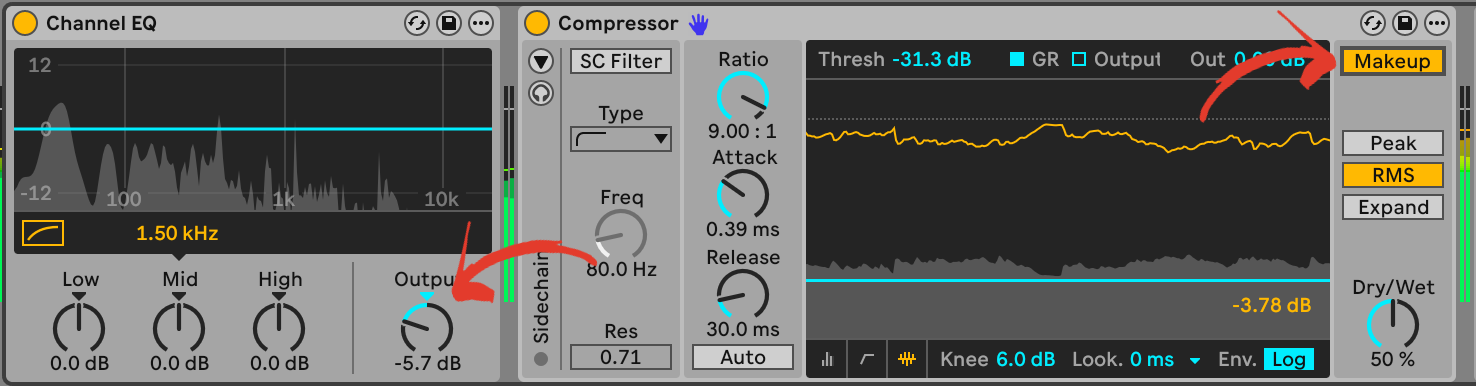
The 32-Bit Truth: It’s a Safety Net, Not a Free Pass
Your DAW’s float precision is amazing but it’s not an excuse to ignore level discipline. The same rules apply today that did yesterday.
Proper headroom is psychological as much as technical. A mix that lives around -18 to -12 dBFS feels open, controlled, and musical. Push everything near 0, and even if it’s not technically clipping, your mix will sound stressed.
Remember: Headroom isn’t wasted space it’s breathing room for your transients, dynamics, and tonal balance. IF anything this gives you room to crank the FINAL plugin (if you’re still into the loudness wars thing)
Fixing the “Too Hot” Mix
If your mix keeps clipping or sounding harsh, try this:
Select all your tracks and pull the faders down -6 to -10 dB. I cover gainstaging here
Reset your mix bus plugins. Let the signal breathe.
Add a trim plugin (or stage your input via clip gain or whatever sound generator) and before every major processor. Keep things hovering around -18 dBFS in and out.
Re-evaluate tone and balance. You’ll notice your EQs and compressors suddenly sound smoother and easier to control.
Quick Reference: Safe Headroom Levels
Individual tracks (RMS): -18 to -14 dBFS (not drums)
Peaks/drums: -10 to -6 dBFS (but random peaks should be controlled with compression/clipping/limiting if affecting the mix negatively)
Mix bus (pre-master): around -9 to -6 dB peak (sometimes I find my mix averaging at -12dB)
Master output (after limiter): -1 dB ceiling (if mastering your own mix)
These aren’t concrete rules but they’re healthy ranges that keep your plugins happy and your sound consistent.

• Coming next week: Lab Report #6: Parallel Compression for Real People.
• In the Nexte coupple of weeks: Mix Notes #10: Why “Louder” Always Tricks Your Ears.
Having headroom issues or mystery distortion? Submit your latest mix to the Practical Audio Lab Mix Feedback Hub and get personalized notes on your gain structure and plugin flow.

Final Thoughts:
If you’re mixing quiet, you’re mixing smart. In the digital domain, unless you’re using a plugin that specifically adds it for emulation purposes, you don’t have to worry so much about channel noise. You can get your levels right, ‘quiet'.
🎛️10 Pro Mixing Tips for Any DAW: Master Your Sound Fast
The Practical Audio Lab is a reader-supported publication. To receive new posts and support my work, consider becoming a free or paid subscriber.