


Fender Studio Pro 8.1: What the New AI Tools Actually Mean for Your Home Studio
What’s up, PAL,
Fender just dropped an update to its Fender Studio Pro, formerly known as Studio One, and if you weren't paying attention, you missed the most important part.
Fender Studio Pro 8.1 is essentially Studio One Pro with Fender branding and a significantly deeper feature set, shipped a little over a week ago on June 9, 2026, with three huge additions that hit differently than the usual point-release noise. A Moises Studio integration baked directly into the software, a naive Vocal Tune plugin, and an in-DAW studio assistant (in beta)
These aren't incremental changes; they're making a statement about where they believe desktop software is going.
This is the Practical Audio breakdown, no pre-language, just honest feedback that matters to you.
TLDR: Fender Studio Pro 8.1 upgrades the DAW formerly known as Studio One Pro with three major tools: Moises Studio for vocal transformation and stem separation powered by AI, a native pitch correction tool for vocals “Vocal Tune,” and in-DAW Studio Assistant for workflow support, channel strip creation, and more. The update is free for all 8.1 users and Pro+ subscribers. Perpetual license: $199.99.
What Is Fender Studio Pro 8.1 (and What Happened to Studio One)?
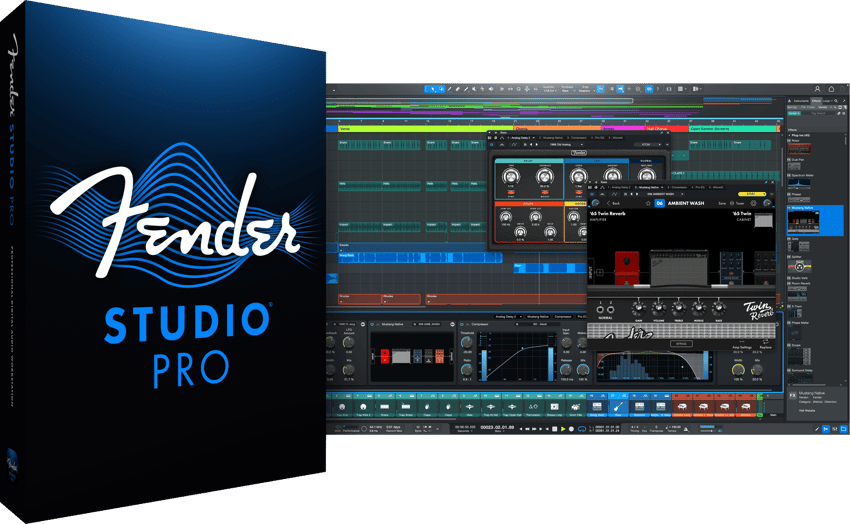
So, a little background: it’s odd for me to keep referring to this program as Fender Studio Pro, when for so long it was called Studio One. From here on, I’ll chill with the Studio One References, but just so you know, Fender acquired PreSonus, and in January 2026 they rebranded Studio One Pro as Fender Studio Pro.
Since that launch early this year, this is the first major feature update. The core DAW is essentially the same as Studio One, but they've added a layer on top of it that points more towards AI integration at the DAW level via a virtual assistant. They’re making a big statement.
The Moises Integration: Stem Separation Inside Your DAW
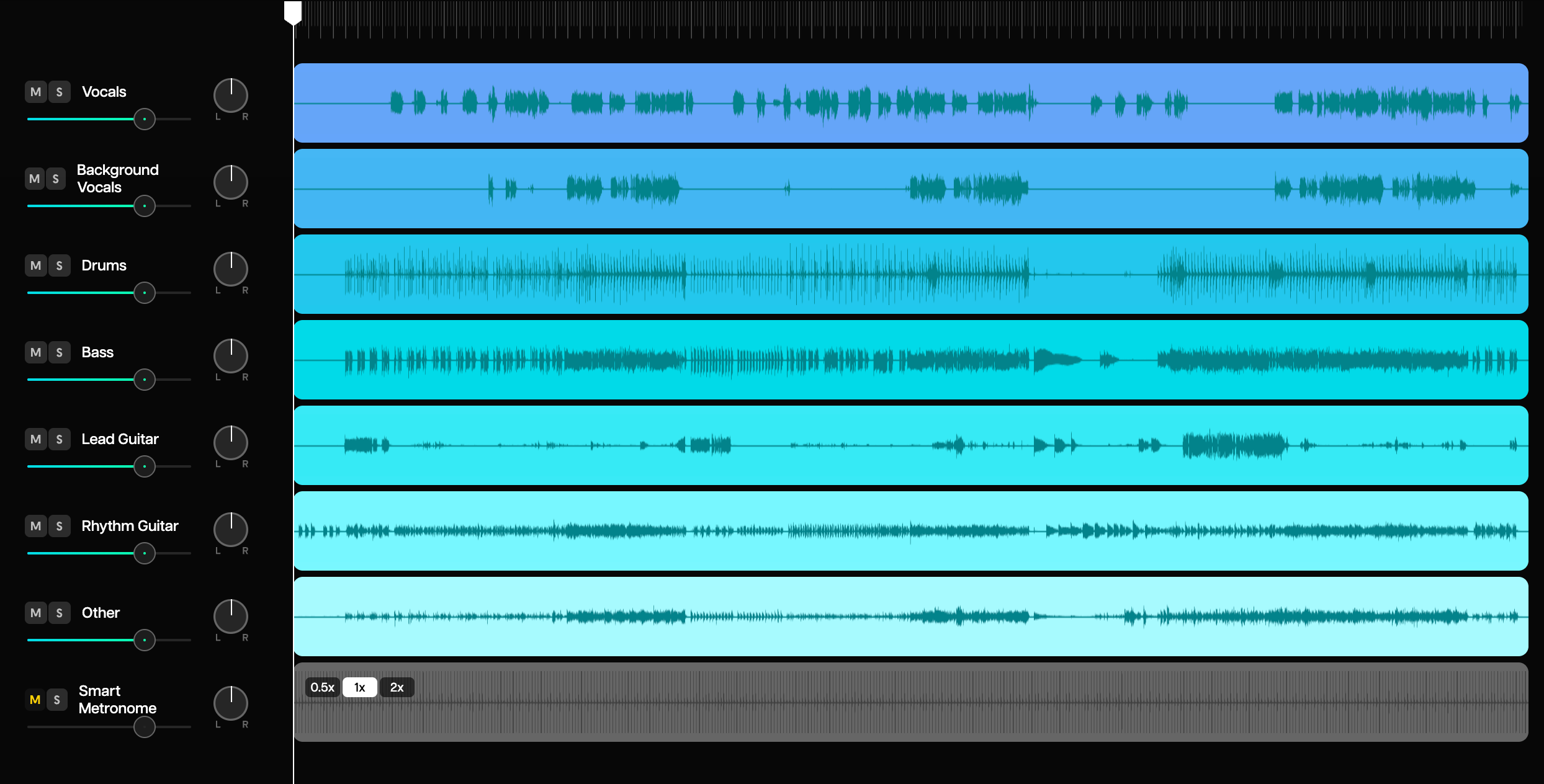
So let's look at exactly what that layer is; the first significant layer is the current trend. Year over year, we see trends in audio, granulators, multi-effects, and this go around it’s Stem Separation and AI. Rather than approaching this in a mechanical/mathematical way, Fender Studio Pro has integrated Moises directly into the software, adding AI stem separation and vocal transformation.
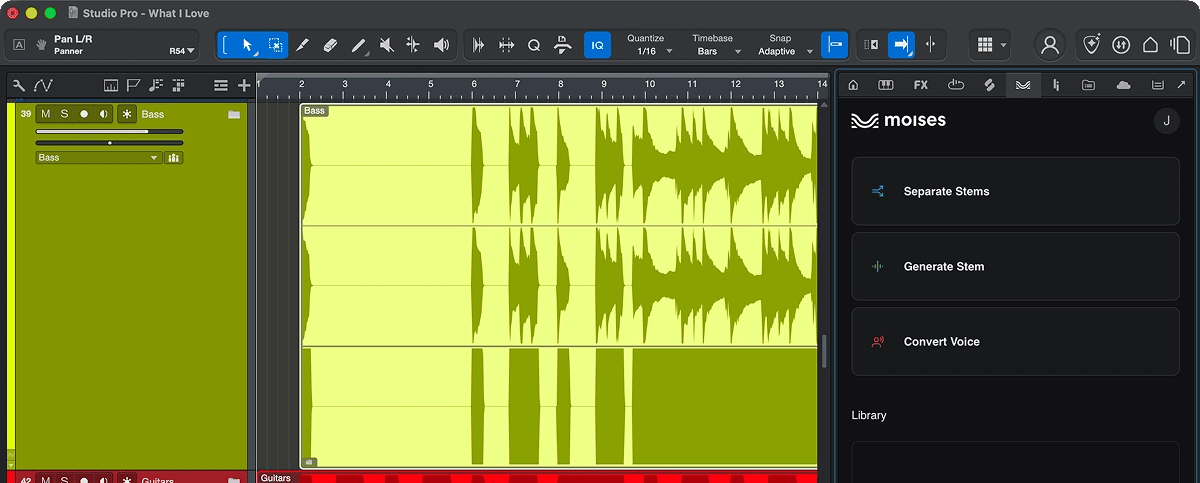
AI Stem Separation is Moises' flagship capability. It uses AI to isolate and completely remove specific parts of a song. It's not the best, but it’s not the worst either. The fact that it's available in a DAW, meh, IMHO; if you’ve ever listened to any human-generated trackouts/stems, they always have way less artifact. BUT that doesn't take away the educational usage of this. Being able to break down your favorite tracks and create from a new understanding is one of the benefits of being in the actual studio working with actual musicians. SO having that ‘ability’ at the desk is a plus.
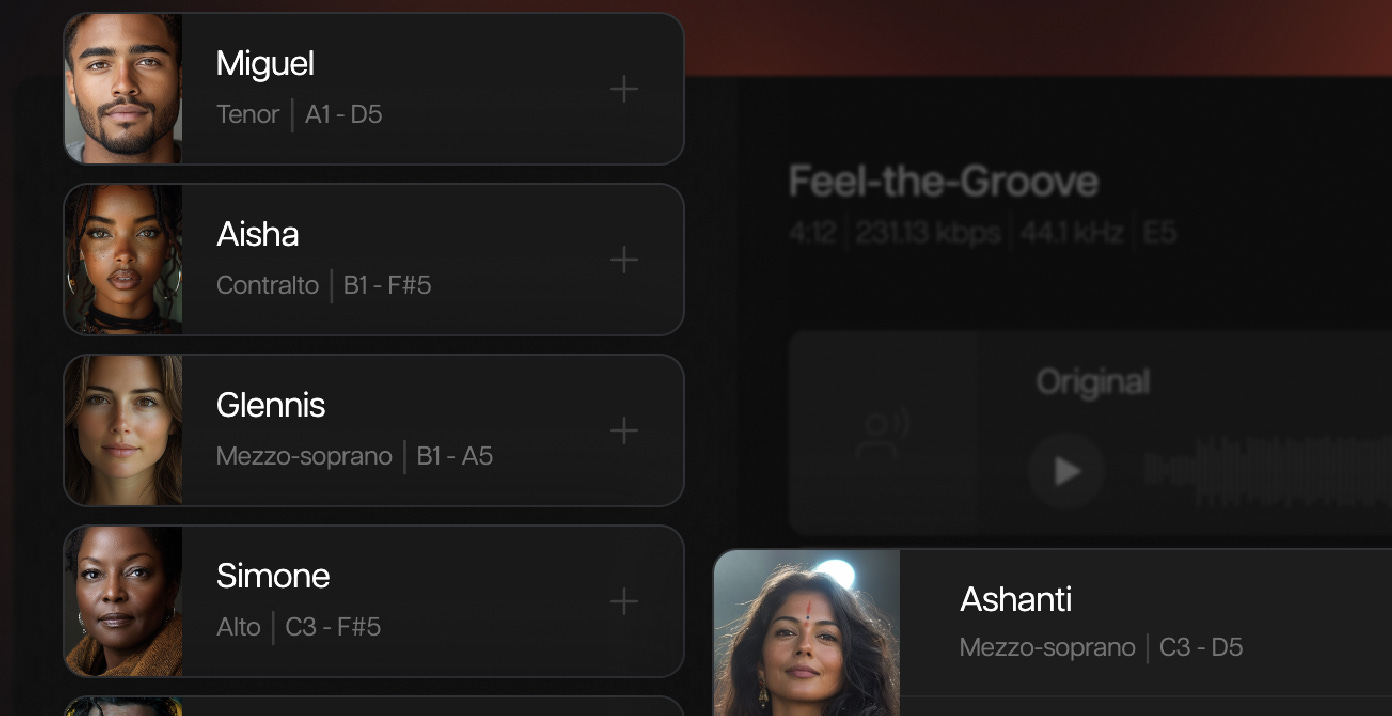
Especially when you pair that ability with their Voice studio. You can generate your own parts, upload your own vocals, and replace them with a new singer/ speaker.
For the isolated producer, or one without access to the best musicians, this is a game changer. Even for sync producers, this allows you to create entire backing tracks from a single element.
The Practical Upside
I think these are welcome changes to have in a DAW; do I believe every developer should follow suit? No. I like the idea of integrating tools and partnering for the greater good of the music industry; however, I don't believe these efforts serve the community at large when everyone is offering a different ‘version’ of the same thing.
I think this could signal two things to the industry at large:
1. Follow with what you’re good at and stick to your guns. Play to your strengths and don’t follow trends. Your niche is your advantage. Or 2. The world is changing, and those who adapt fast stay ahead.
What is absolutely horrible for the music industry is that BOTH of these are winning options.


Vocal Tune Plug-In: Native Pitch Correction Without the Add-On Cost
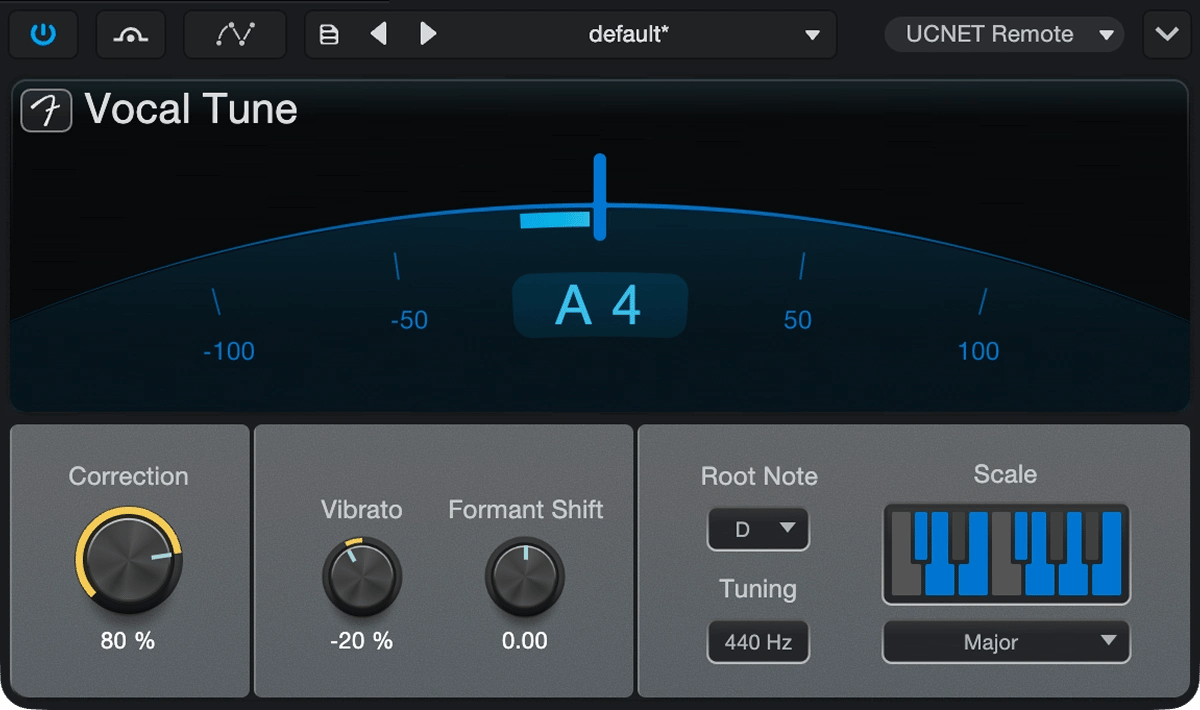
Native pitch correction is the next feature update. FL Studio, Logic Pro, Ableton, Pro Tools all feature Native vocal correction. This isn't something as advanced as Melodyne or a dedicated Vocal plugin; however, it gets the job done.
What’s more interesting is the pitch curves on audio tracks. This new update is something more worth mentioning.
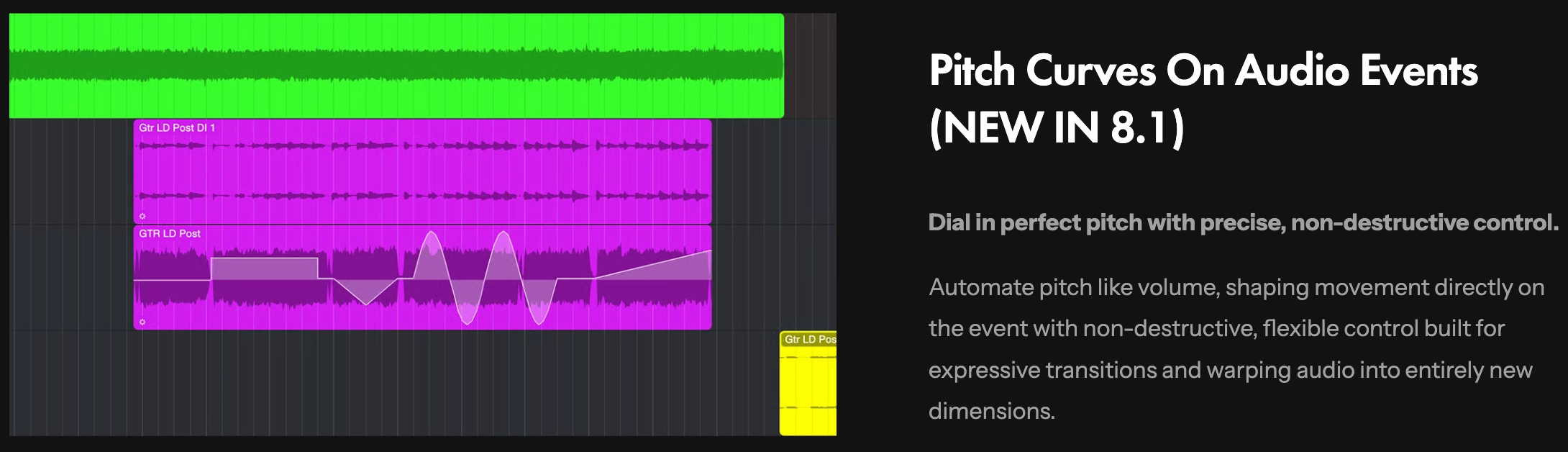
Now the pitch of a sample or audio track can be modulated inside of automation lanes. A pretty powerful feature.
Studio Assistant: AI Support That Doesn’t Break Your Flow
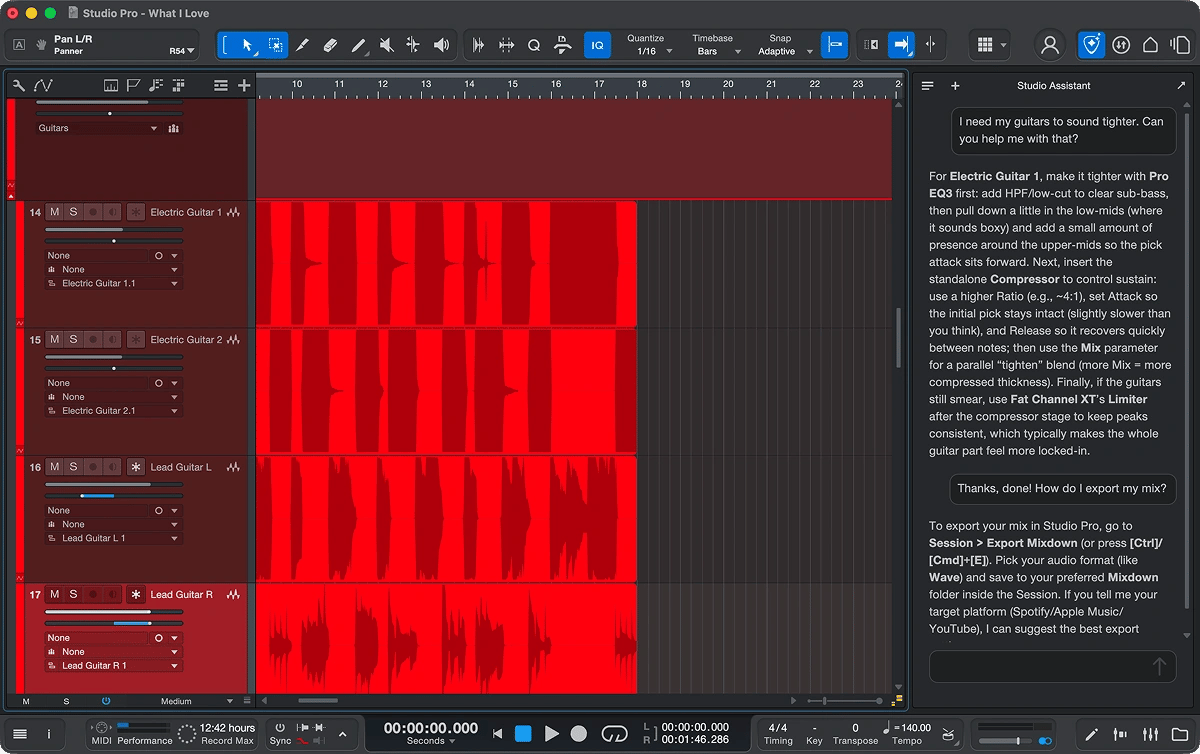
I’m guessing this is the version of FL Studio’s Gopher; I think it is an intelligent approach and more in line with where AI integration in a DAW should be heading.
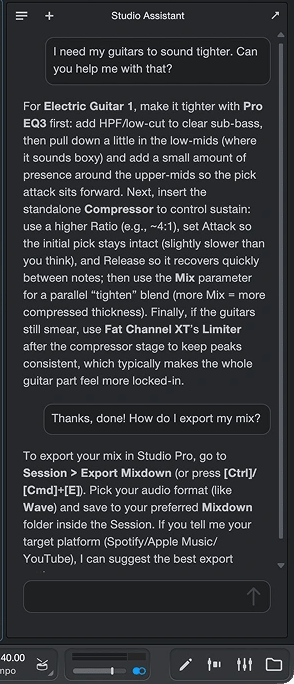
This is one of the more tantalizing aspects of AI utilization, especially for entry-level users. Instead of scouring the web for hours trying to figure something out, all that expertise can now be found inside the DAW without going to the ‘help’ menu.
This is definitely something I would have benefitted from on my beginning journey. I spent so much time reading the manual and browsing help forums; this would have saved time. I think that, in the future, the best version of this will be paired with a smart player assistant and the ability to actually create the desired outcomes.
What I don’t want to see is a version of this where the generated content is created with artifacts; I still wait for the day where AI is smart enough to utilize instruments like Kontakt or East West Play and produce MIDI that can trigger keyswitches for realistic performances.
SO this brings a level of optimism to that dream.
Pricing Breakdown: Perpetual vs. Subscription — Which Makes Sense?
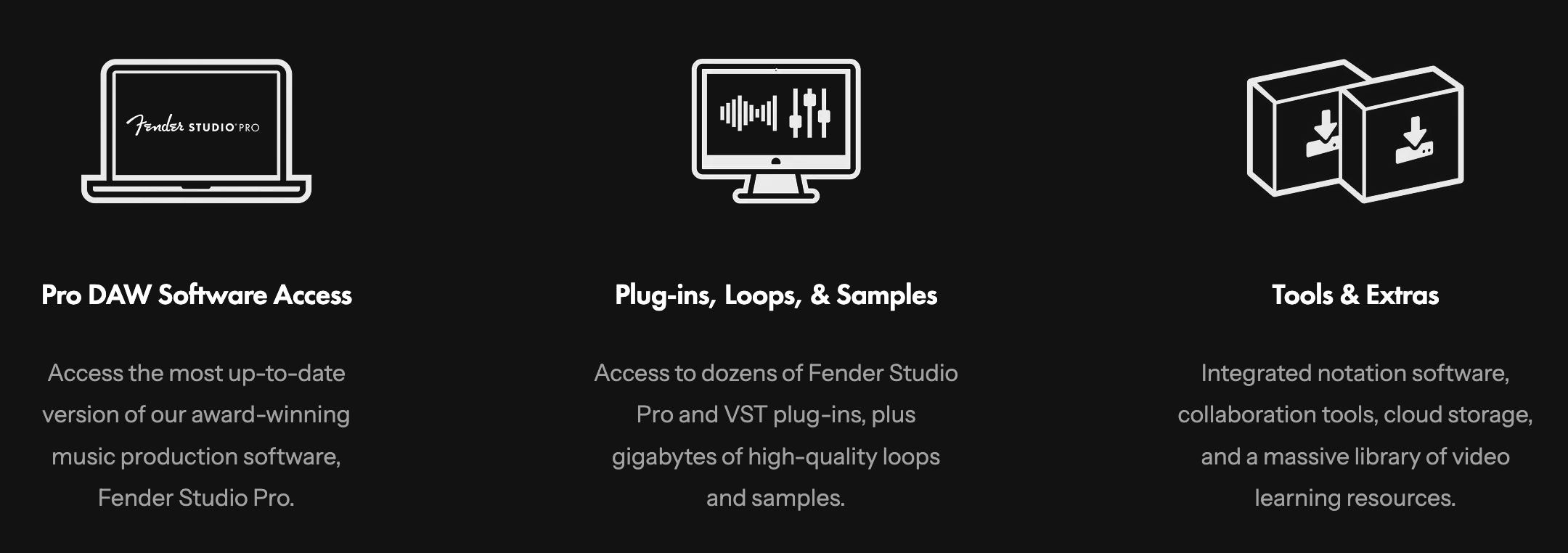
Fender Studio Pro ships in three tiers:
Perpetual License — $199.99: Yours to keep. One year of feature updates included. Previous Studio One Pro or legacy Artist license holders get a discounted upgrade path.
Perpetual + Pro+ Annual — $179.99/year: Perpetual license bundled with annual access to Pro+ extras. Best value if you want the full ecosystem.
Pro+ Monthly — $19.99/month: Low-commitment entry. Full DAW plus Pro+ features month-to-month.
The 8.1 update — Moises integration, Vocal Tune, Studio Assistant — is included for all users with a current Pro+ subscription, a perpetual license, or an upgrade purchased within the past 12 months.
If you’re a former Studio One Pro user sitting on a legacy license, check your upgrade eligibility at MyFender before paying full price.
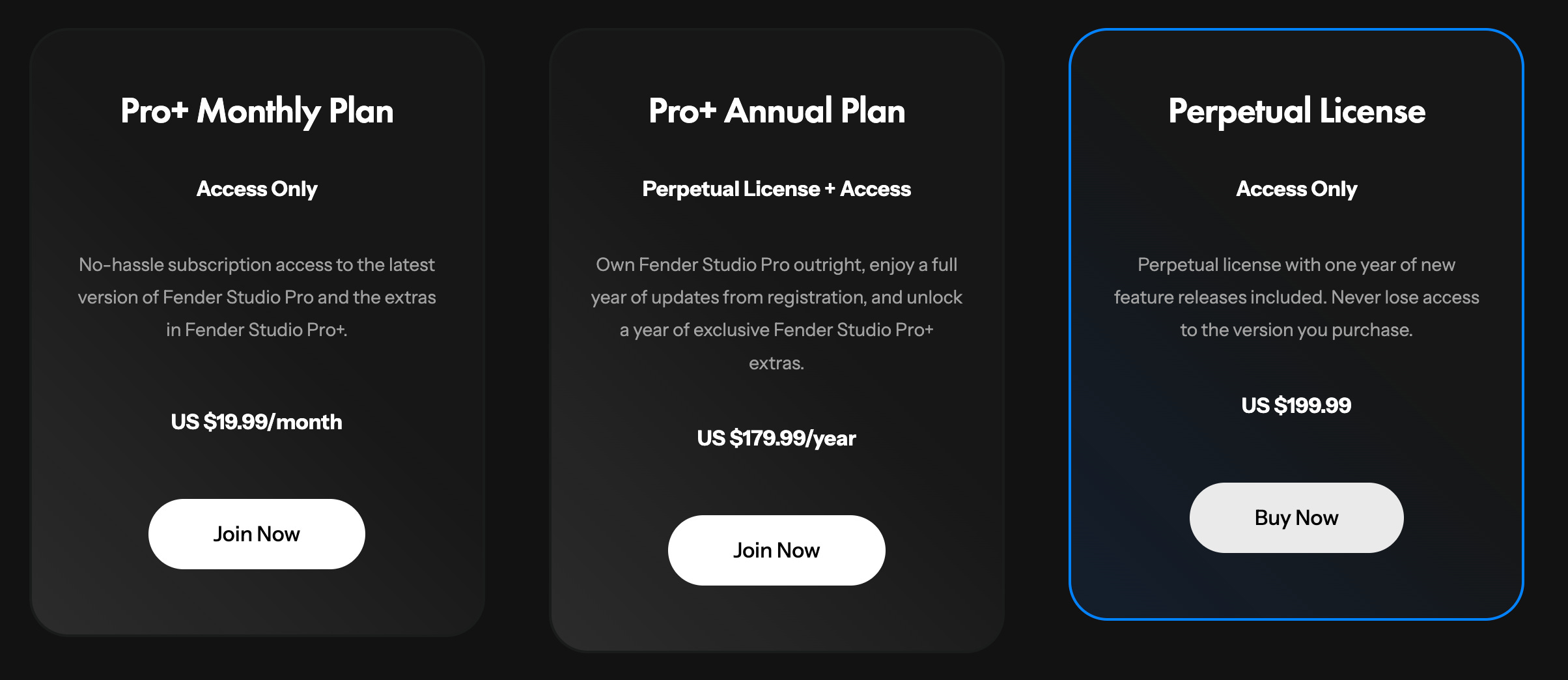
One of the more commonly overlooked aspects of any software is the included packs. The perception of low quality from a DAW or developer leads many people to rip, steal, and navigate sketchy sites. Trust me, we’ve all done it.
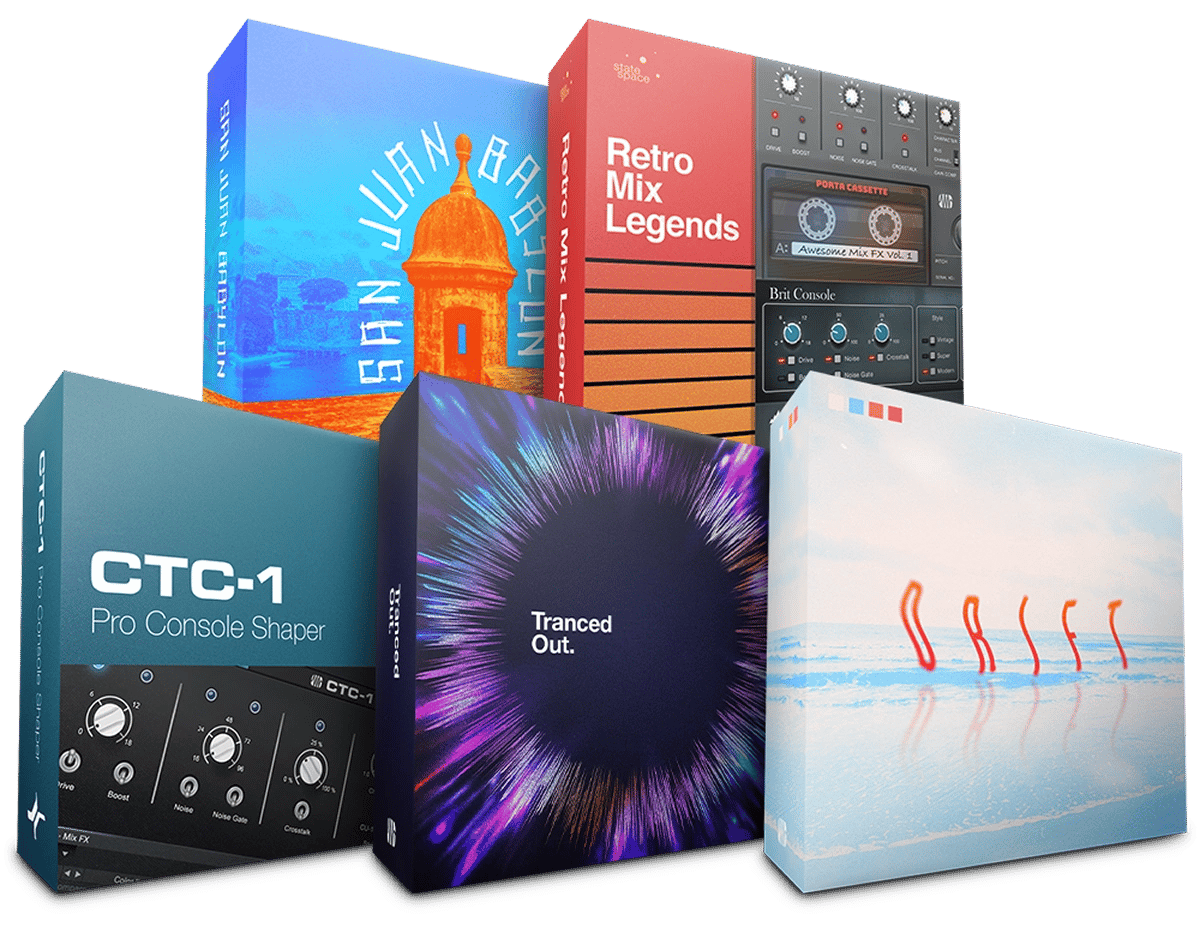
Fender Studio Pro ships with virtually every sound pack that Fender produces. Chances are, some of the samples that you’d find on sketchy sites are directly inside of these packs. So much stuff is recycled and reused, and often you can find some great royalty-free gems inside of your DAW.
Should MPC and Hardware-First Producers Care About This?
Honestly, yes.
There is a shift happening in the industry, and you need to be aware of what is taking place, not necessarily involved. A DAW like Fender Studio signals to the market that it is bold enough to follow suit with changes.
I personally have no place for this; however, if your workflow consists of stem separation and voice recording. You’d want to take a look at an all in one solution this wont force you to have multiple subscriptions..
It's a tricky position to be in, but ultimately you’ve gotta see the bigger picture.


The Bigger Picture: What Fender’s DAW Move Signals for the Industry
Watch the pattern, not the product.
Fender acquiring Studio One Pro and placing it under the FMIC umbrella, with their first major release introducing major AI-assisted workflow tools, is a bigger consolidation play playing out across the music tech industry.
We’ve already seen this with inMusic and its acquisition of Native Instruments. They also absorbed iZotope and Plugin Alliance.
But the bigger signaling is the Moises partnership. Moises is a licensed AI, meaning they have done the work to properly and ethically train their models on properly compensated artists. Having this built into a DAW, at a time when multiple companies are struggling to implement AI in a market that scrutinizes AI data provenance, is a powerful positioning move.
Now, whether they become a bigger contender against Ableton, Logic, or FL Studio in the long term is a different question. They have a solid niche base, and that base may follow them out of the standalone-DAW era.
The era of the DAW is coming to an end, and software is becoming the hub; every major player in the industry is building and improving that ‘hub’ to touch every part of the production chain.
Myth: “Fender Studio Pro Is Just Studio One With a Different Logo”
Initially in January, that was partly accurate, but now it's less so. The core DAW engine remains Studio One Pro, with the same workflow, session format, mixer, and editing interface. However, development priorities have shifted. The Fender integration adds 39 guitar amps, 39 bass amps, and 73 FX pedals directly within the DAW, eliminating the need for third-party plugins.
The Moises integration in 8.1 introduces features previously missing in Studio One. Additionally, the Studio Assistant is now a native feature, unlike in other major DAWs. This means the product, built on a familiar engine, has evolved significantly, and that's the most exciting part.
PAL Verdict: Worth the Switch, Worth the Look, or Wait and See?
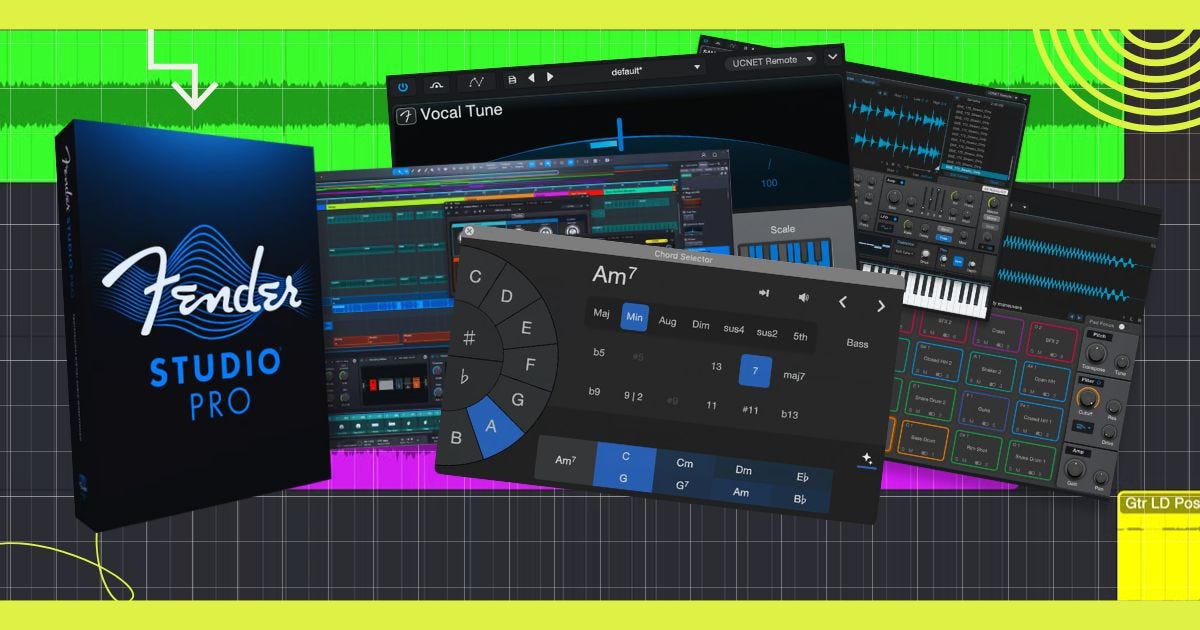
Worth the switch? Debatable; if you include the sounds, the features, and the price, yes? But if you’re already rock solid in a workflow like most people are, then this may be more of a distraction than something that you need to hurry up and jump on board with.
Virtually every DAW has some vocal correction, some better than others. Logic Pro had speed fades for years, which honestly has me questioning why I’m not using the program currently.
There are a few more important updates under the hood, updates to one-shot instruments, a new reverb, etc., again all of which you can find done expertly well in a few DAW’s. At this point, it's all subjective; most of what you need to do, you can do with nearly every DAW, except for a small handful of niche ones.
Make this switch if it makes sense, or add it to your arsenal if you want. But if you don't need to and you don't want to, don’t waste your time even thinking about it.